How Do I Share Apple AirTag With Other Users?

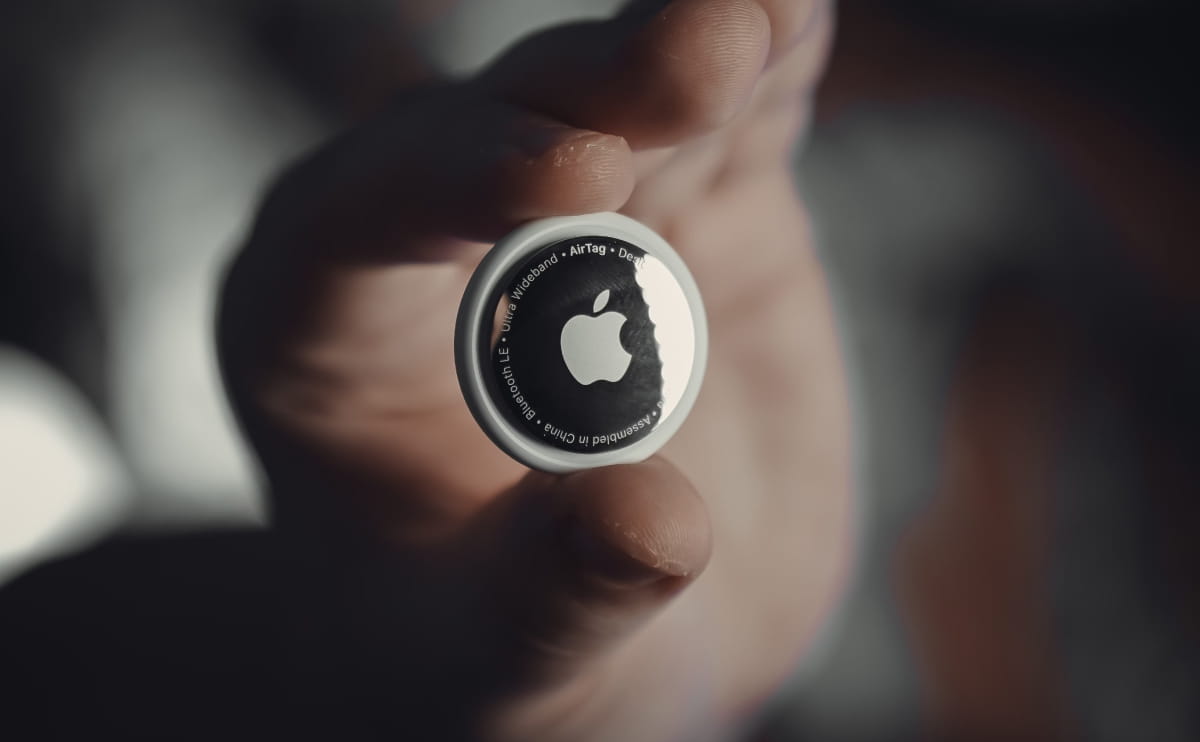
Sharing an AirTag with friends or family members allows them to view its location in their Find My app. Best of all, sharing the item ensures that the person borrowing it won't trigger those annoying "Unknown Accessory Detected" anti-stalking tracking alerts while they have it.

You can share a single AirTag with up to five other people (six total users).

1. 📋 Prerequisites Before You Start

For sharing to work seamlessly, make sure you and the person you are sharing with meet these requirements:

  • Both devices must be running iOS 17, iPadOS 17, macOS 14, or later.

  • Both of you must have Two-Factor Authentication and iCloud Keychain turned on in your Apple Account settings.

  • The recipient must have their own Apple Account signed into iCloud. (Note: Apple currently does not allow sharing AirTags with managed Child Accounts)

AirTag

📲 How to Share an AirTag (Step-by-Step)

  1. Open the Find My app on your iPhone or iPad.

  2. Tap the Items tab at the bottom of the screen.

  3. Select the specific AirTag you want to share from your list.

  4. Swipe up on the item card to reveal more options, and look for the Share This AirTag section.

  5. Tap Add Person, then tap Continue on the informational screen.

  6. Type in the contact's name, phone number, or Apple Account email. (Tip: Using their exact iCloud email address usually prevents invitation bugs).

  7. Tap the contact's name to select them, and hit Share (or Send) in the top right corner.

The recipient will receive a notification on their device. Once they open the Find My app, go to the "Items" tab, and tap Add, they will be able to track the AirTag, play a sound on it, and use Precision Finding just like you do.

🛑 How to Stop Sharing an AirTag

If you get your item back or want to revoke access:

  1. Open Find My and tap the Items tab.

  2. Tap the shared AirTag and swipe up on the card.

  3. Tap the name of the person you are currently sharing it with.

  4. Tap Stop Sharing, and confirm your choice by tapping Stop Sharing again. Access will be revoked instantly.

AirTag