


Supercharge Your Productivity Anywhere
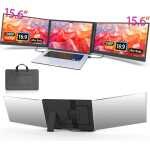
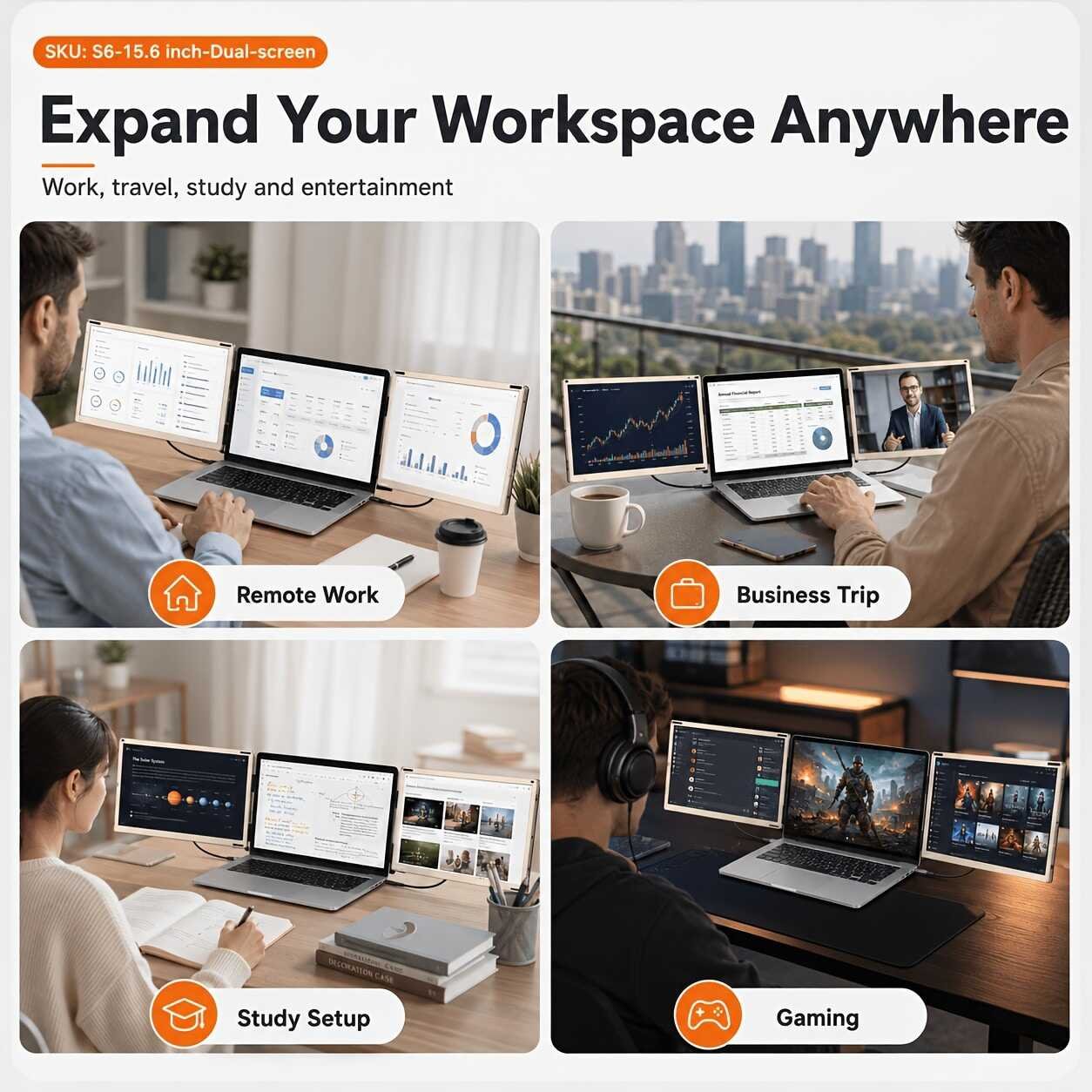
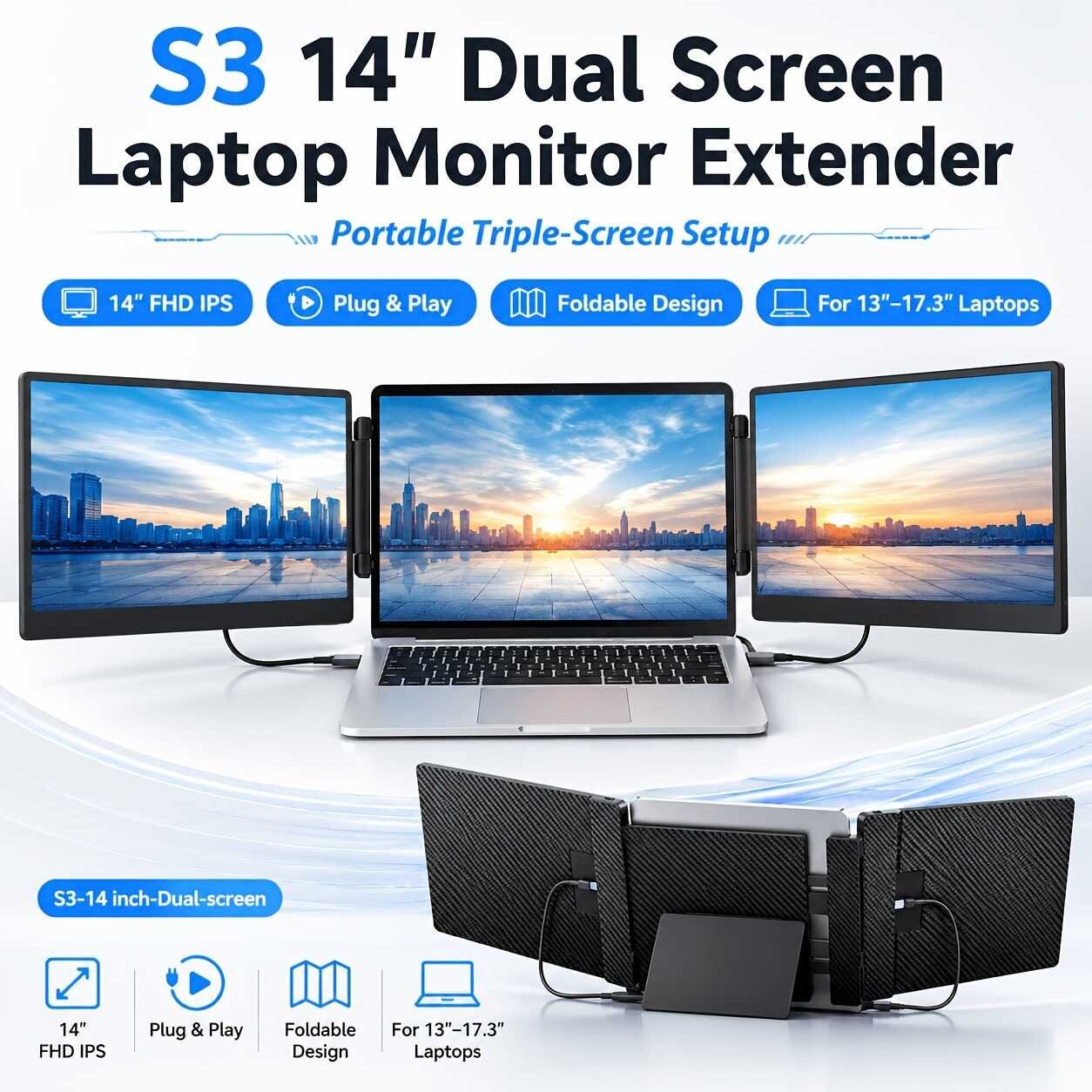
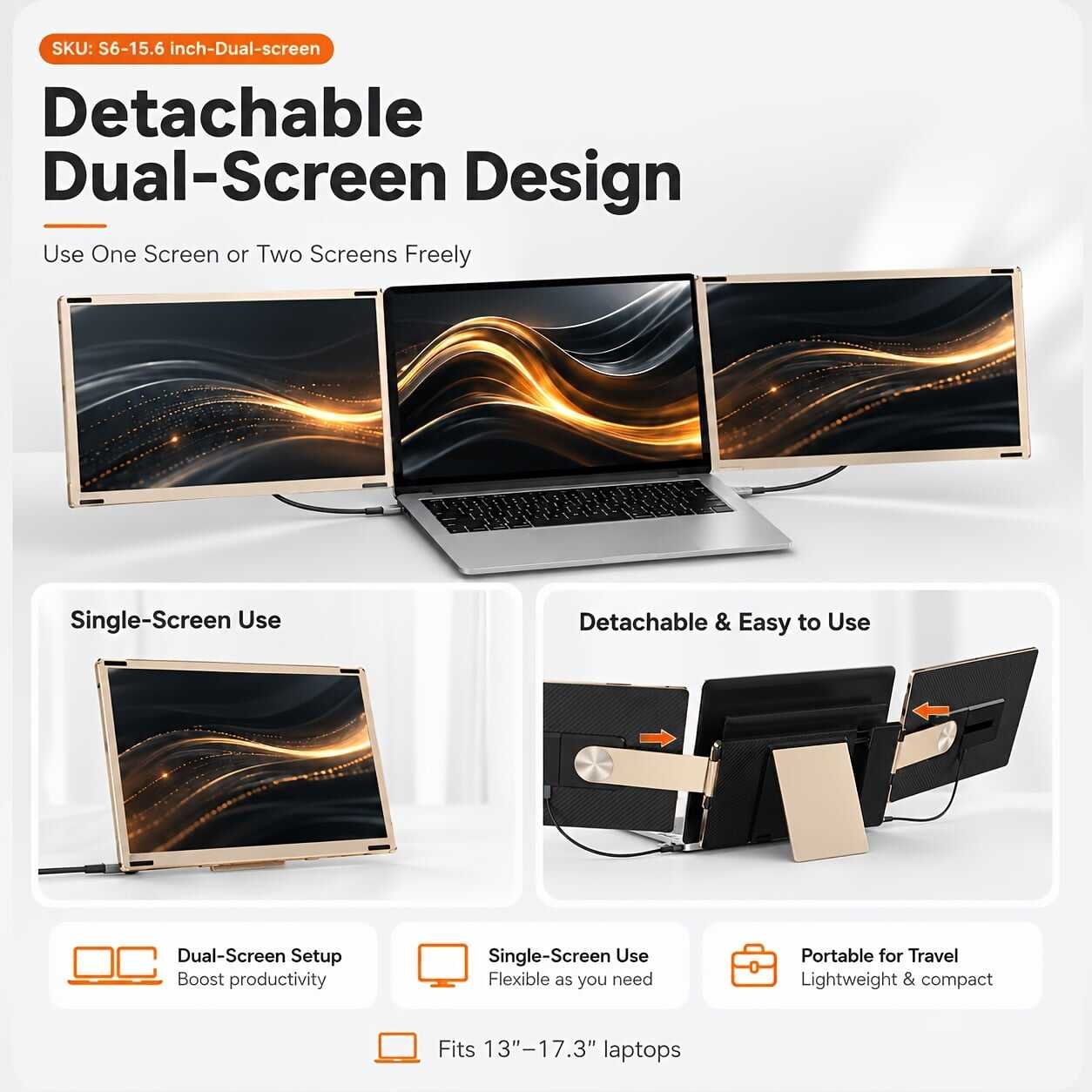
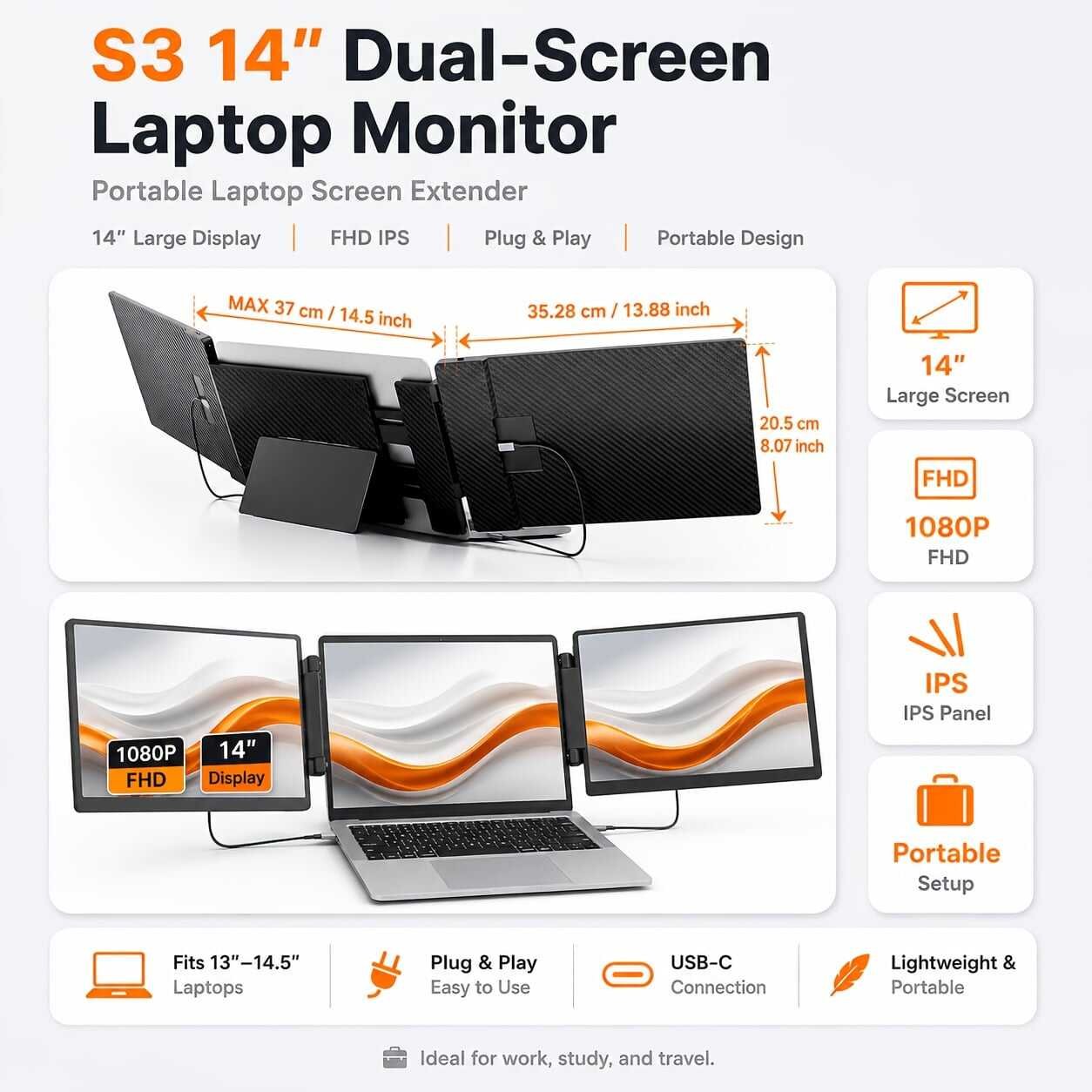
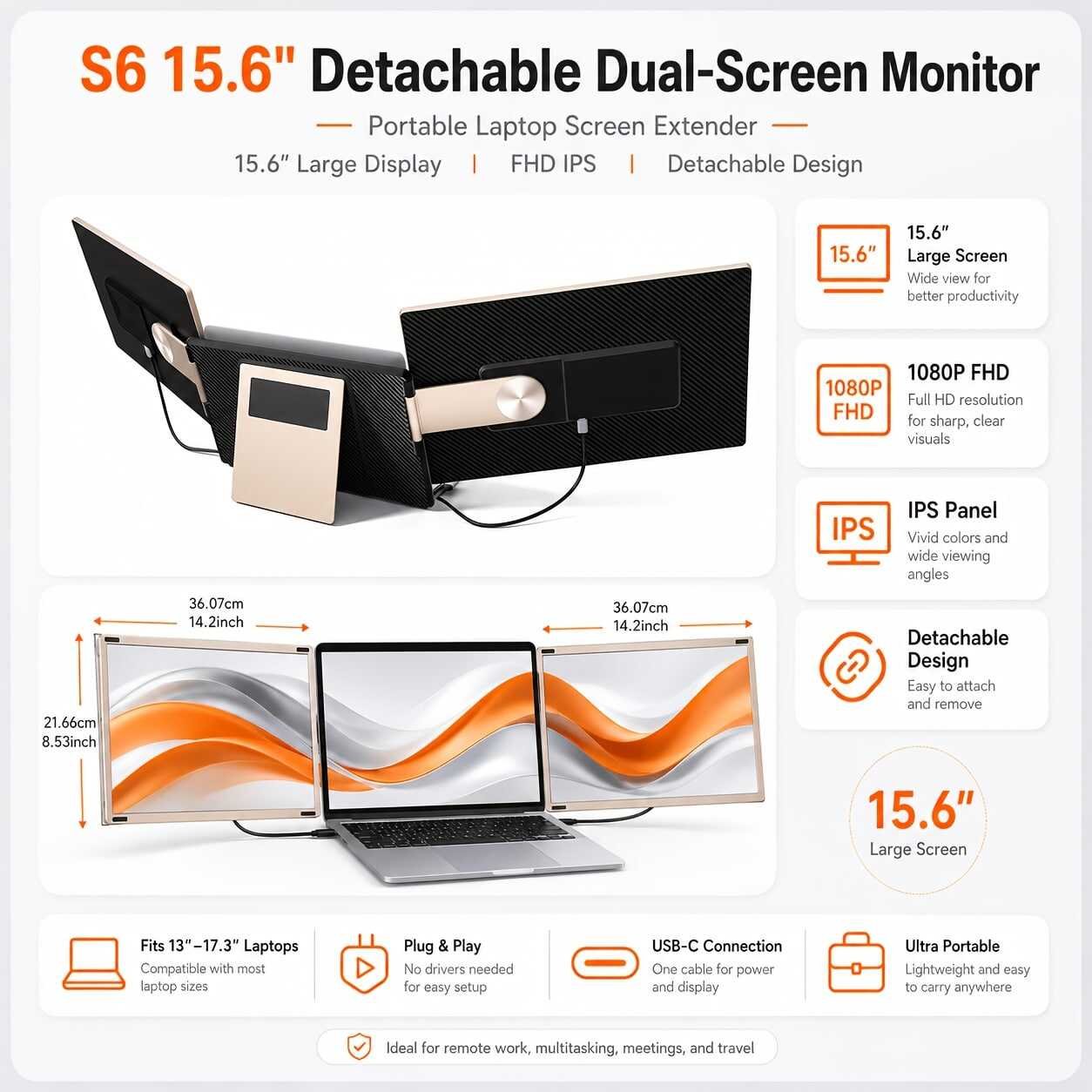
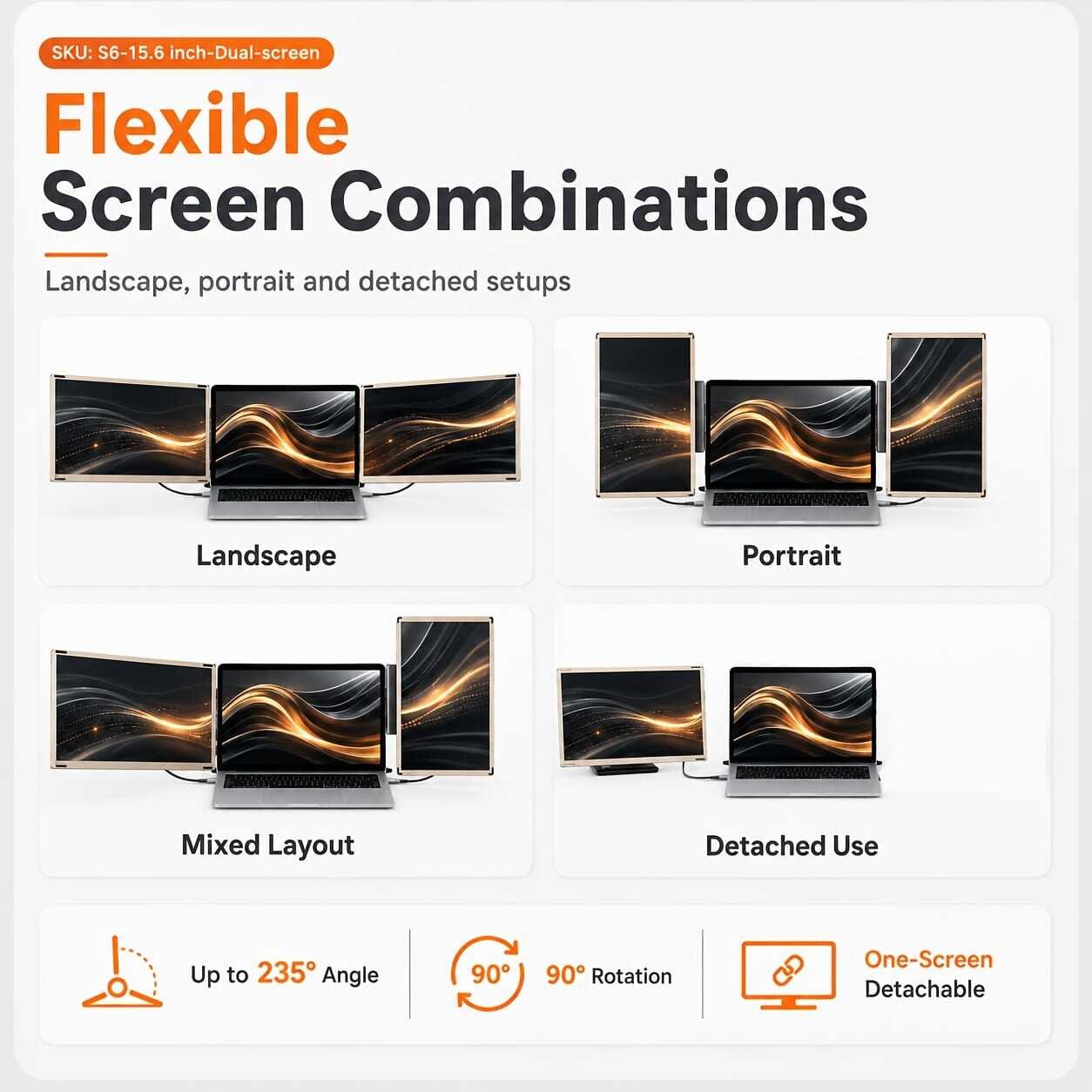
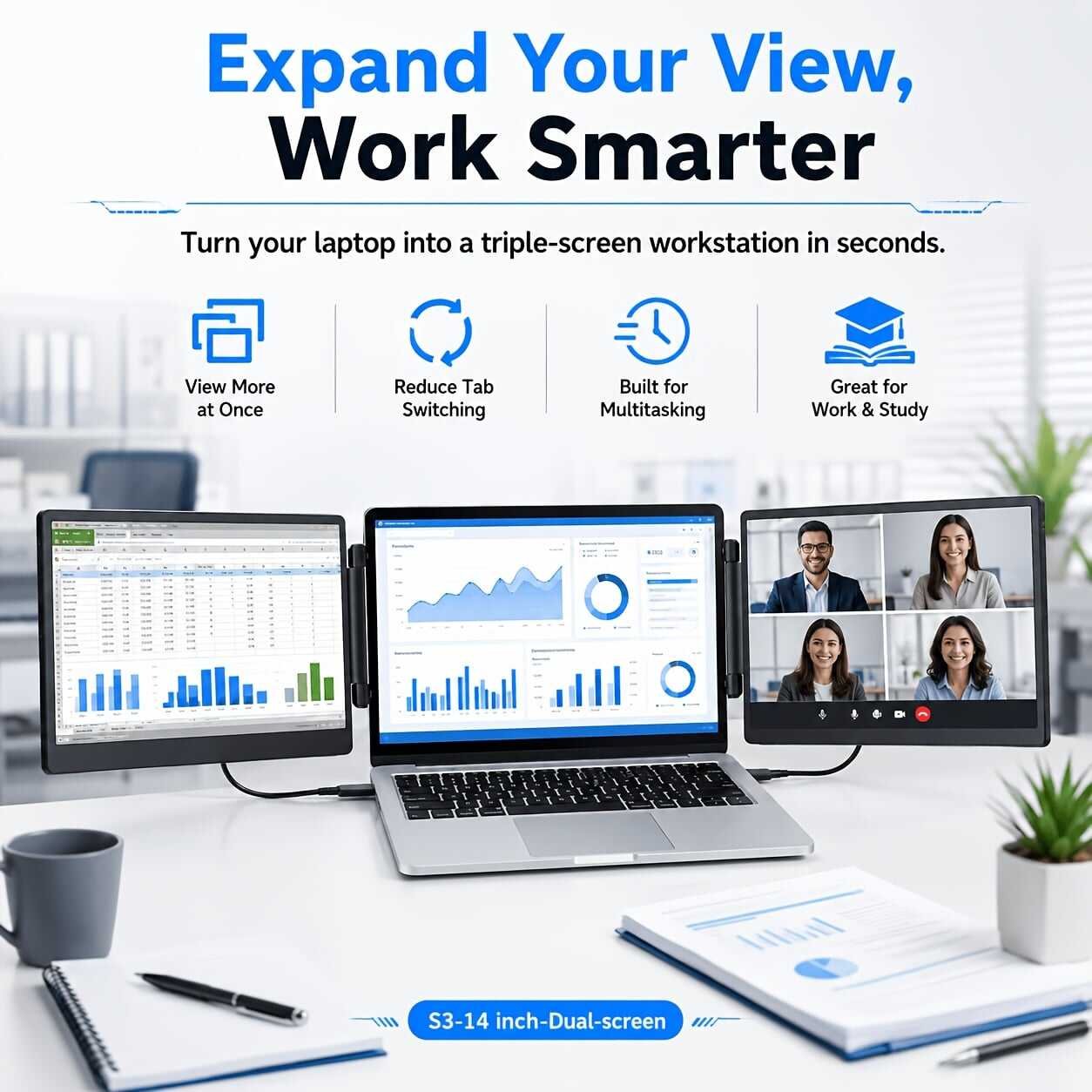
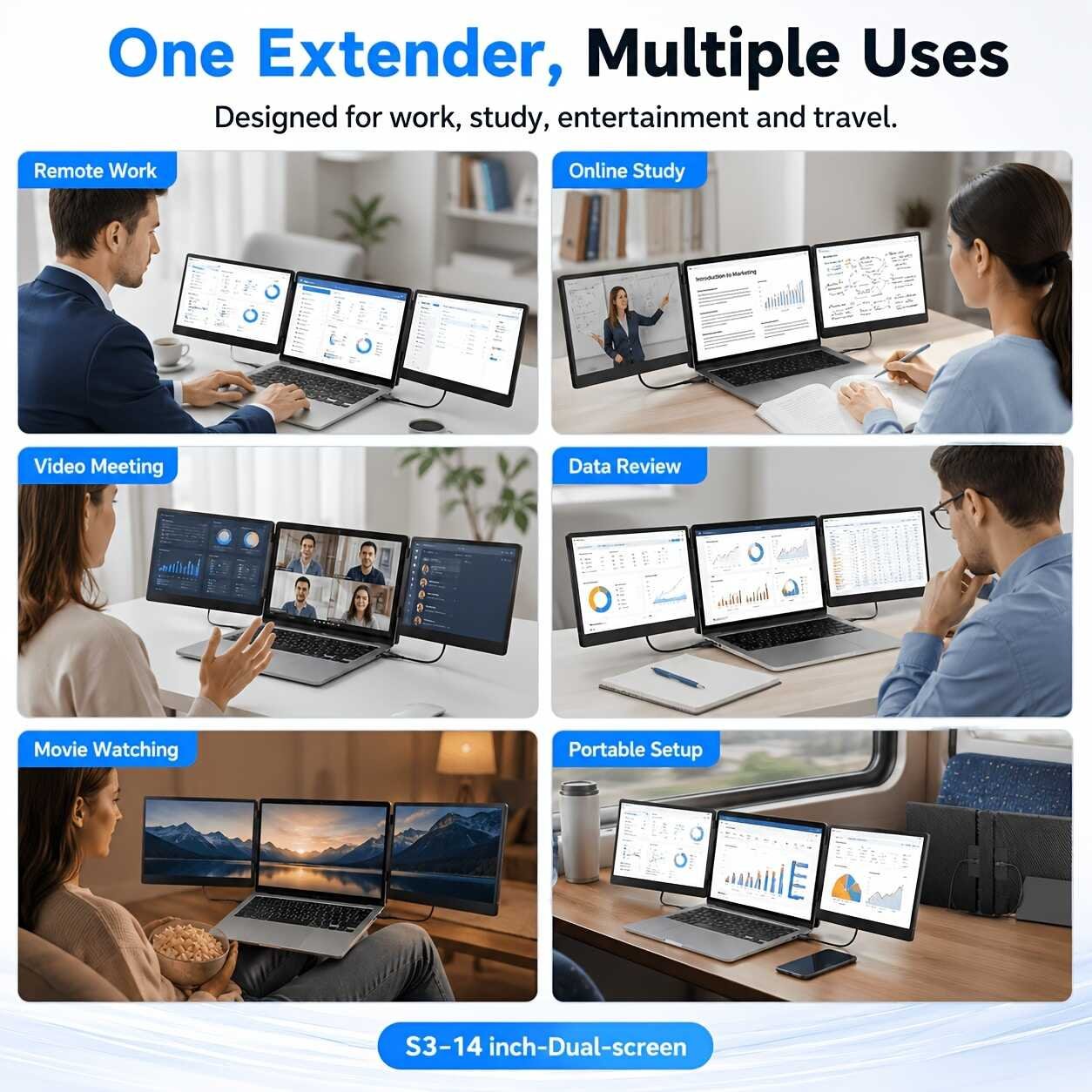
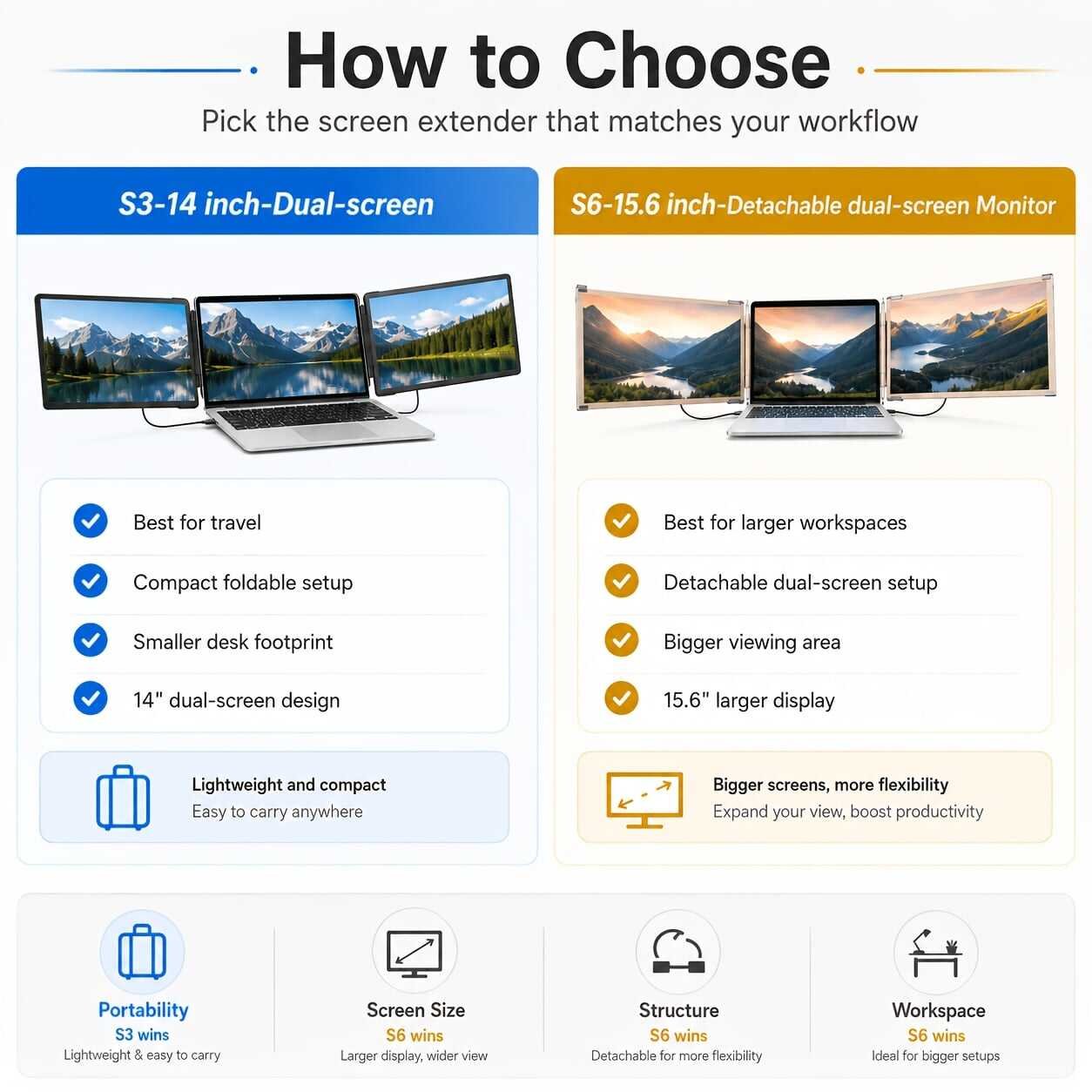
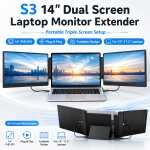
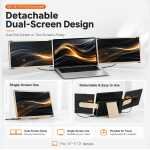
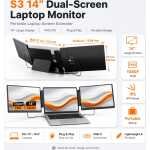
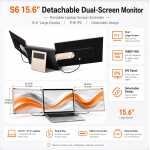
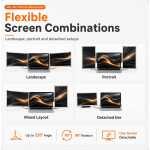
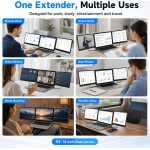
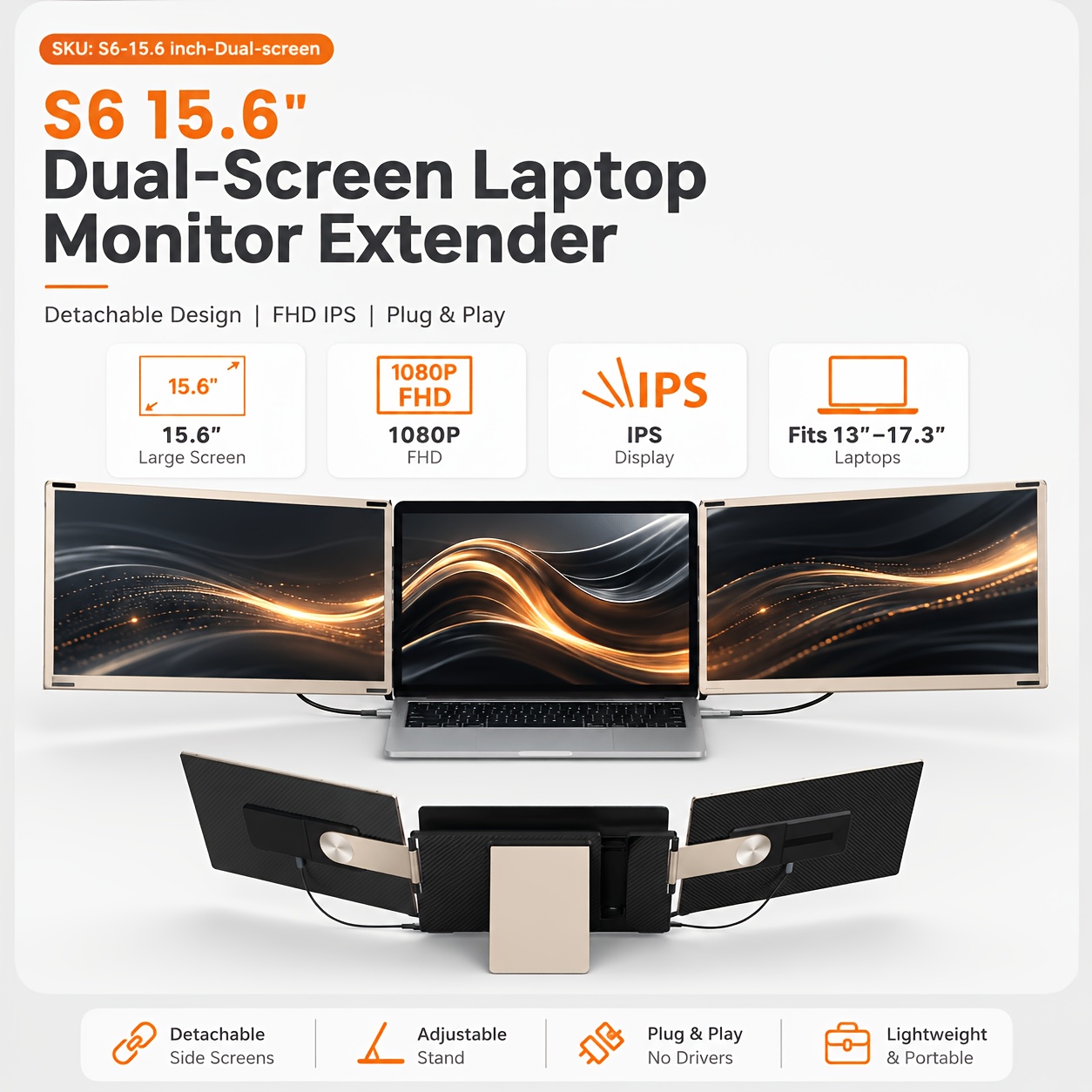
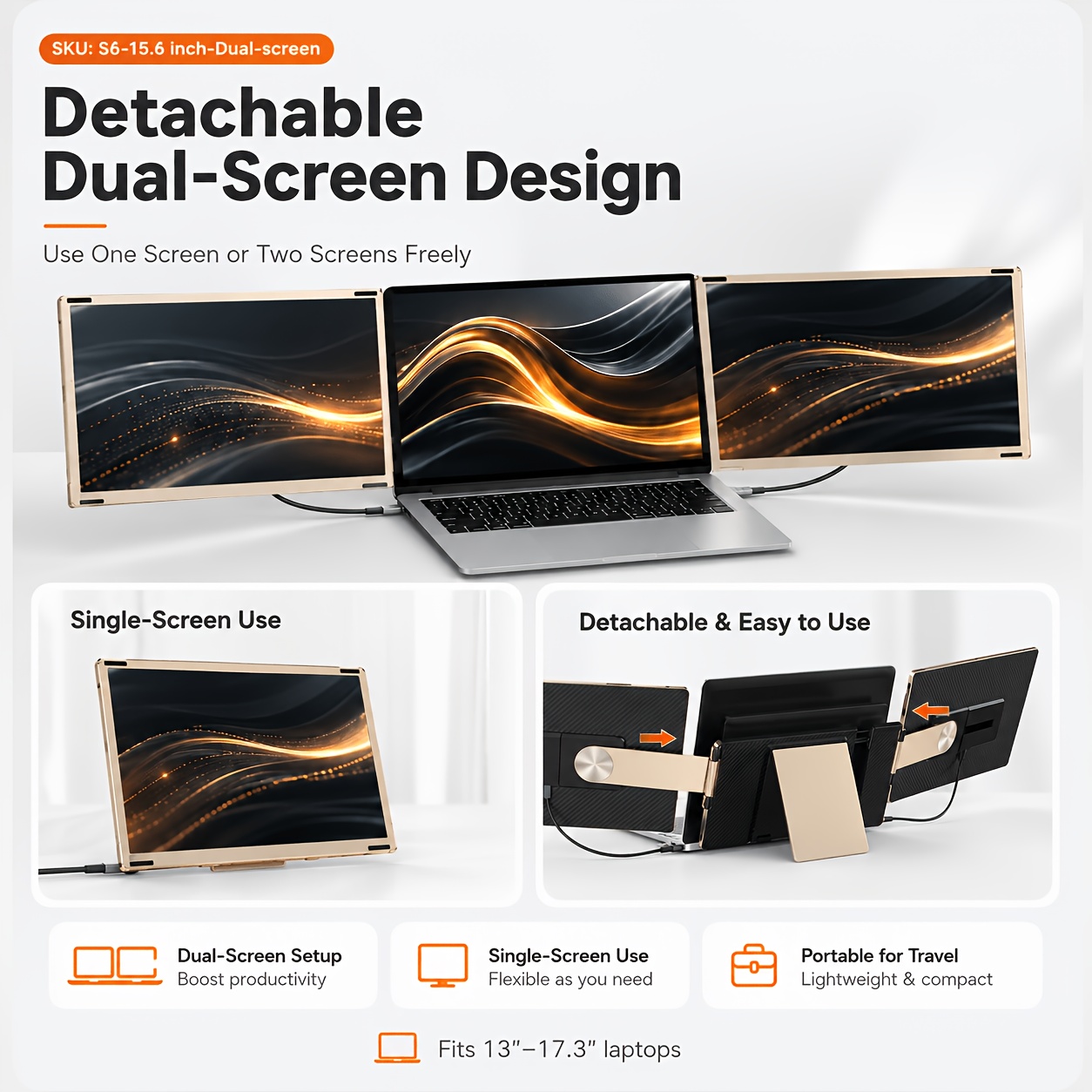
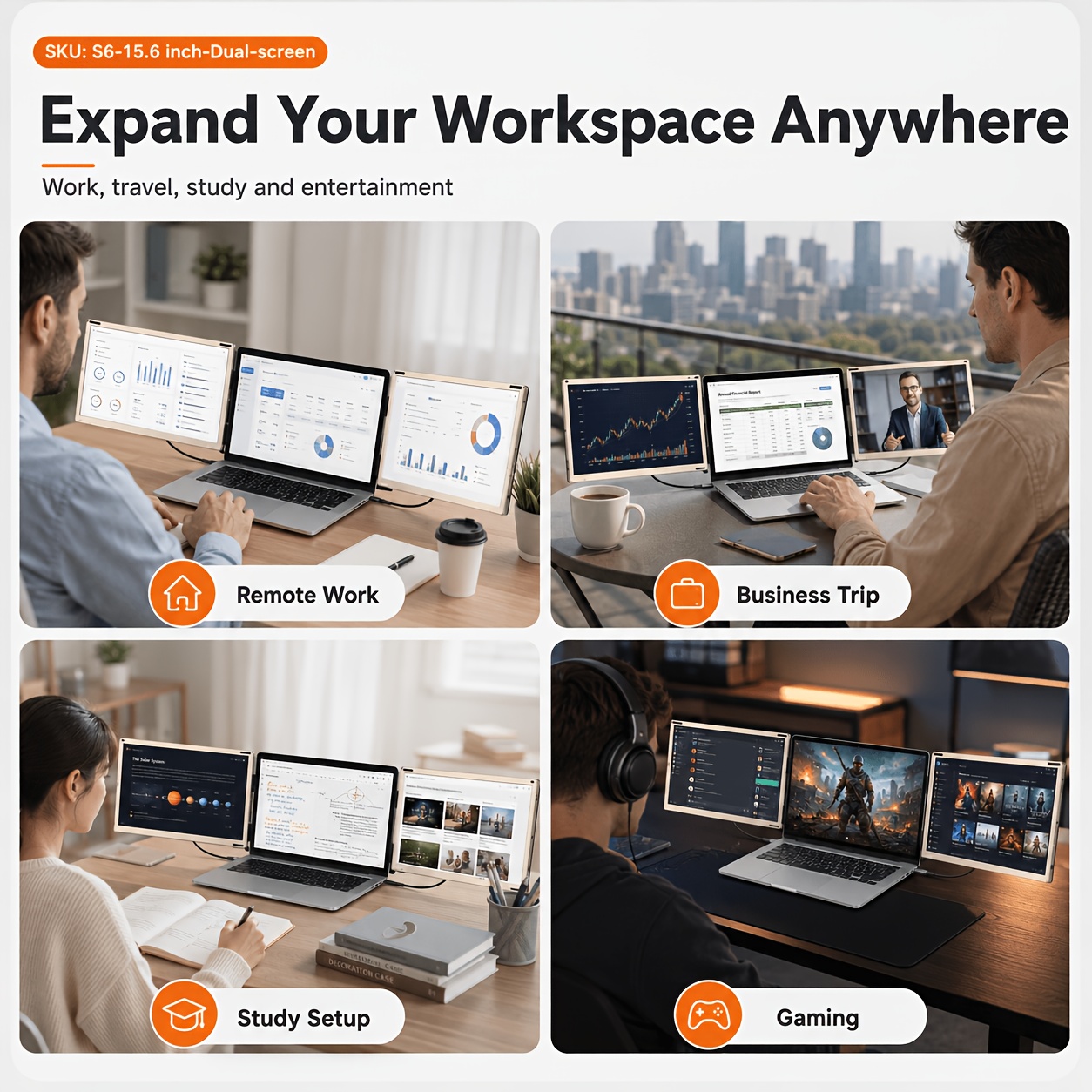
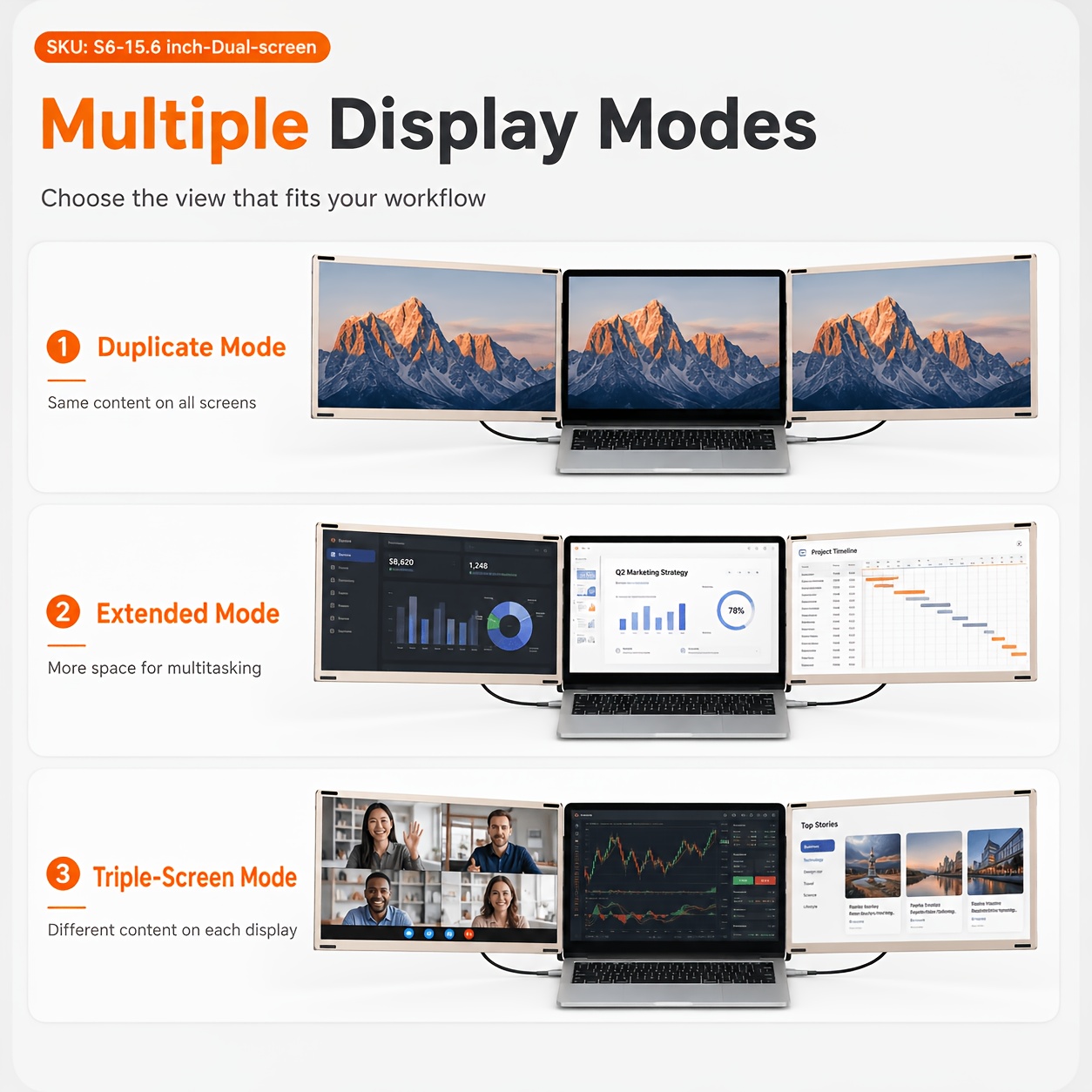
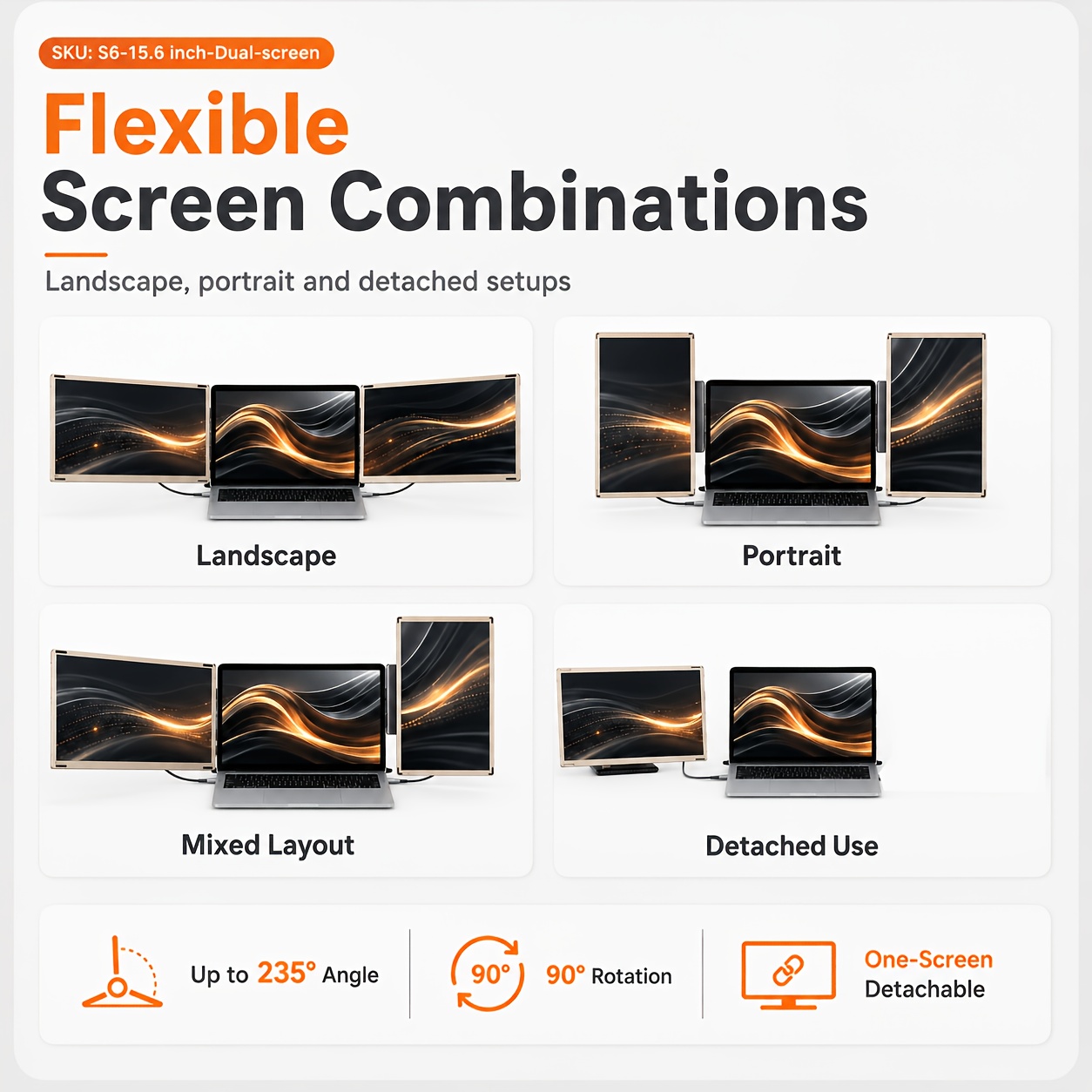
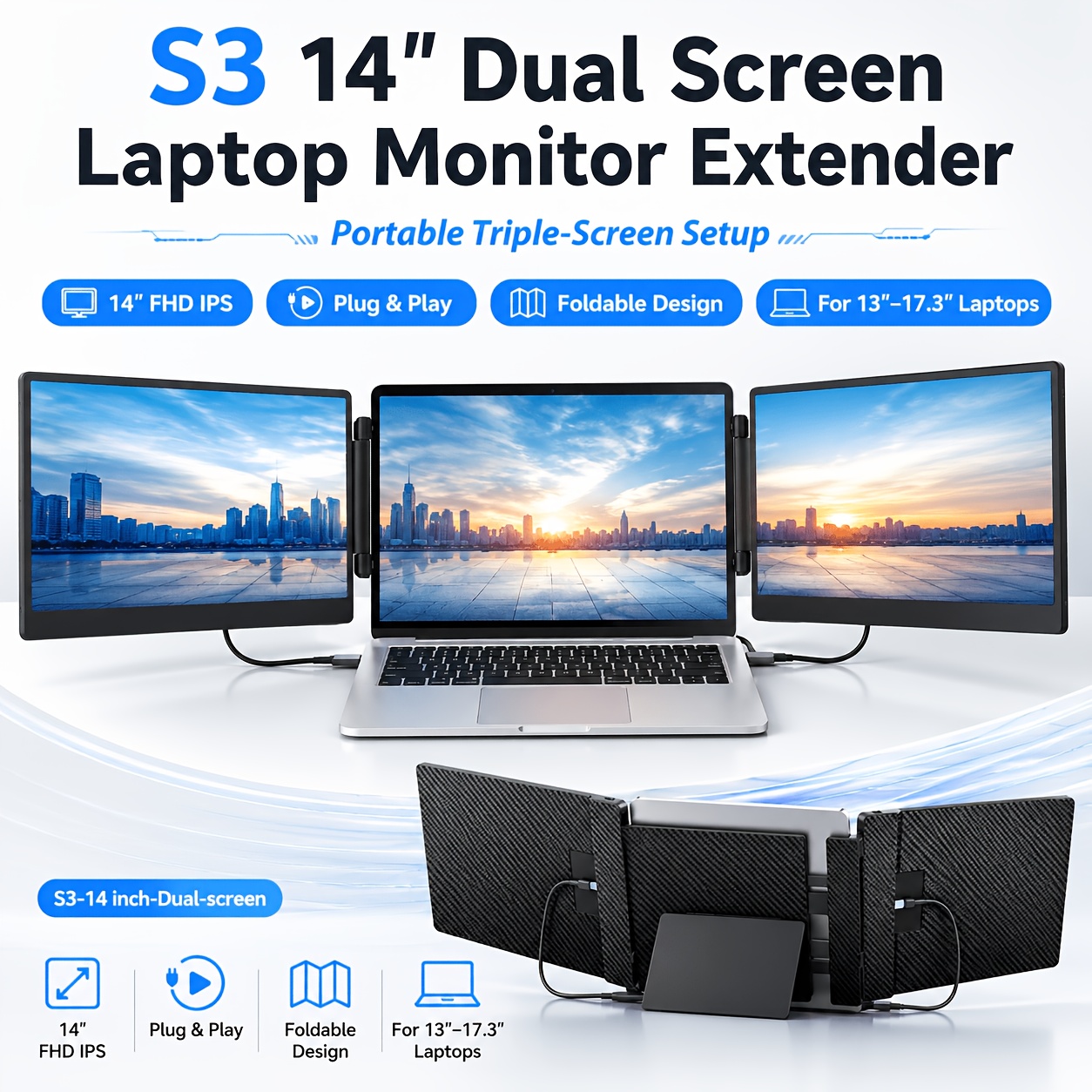
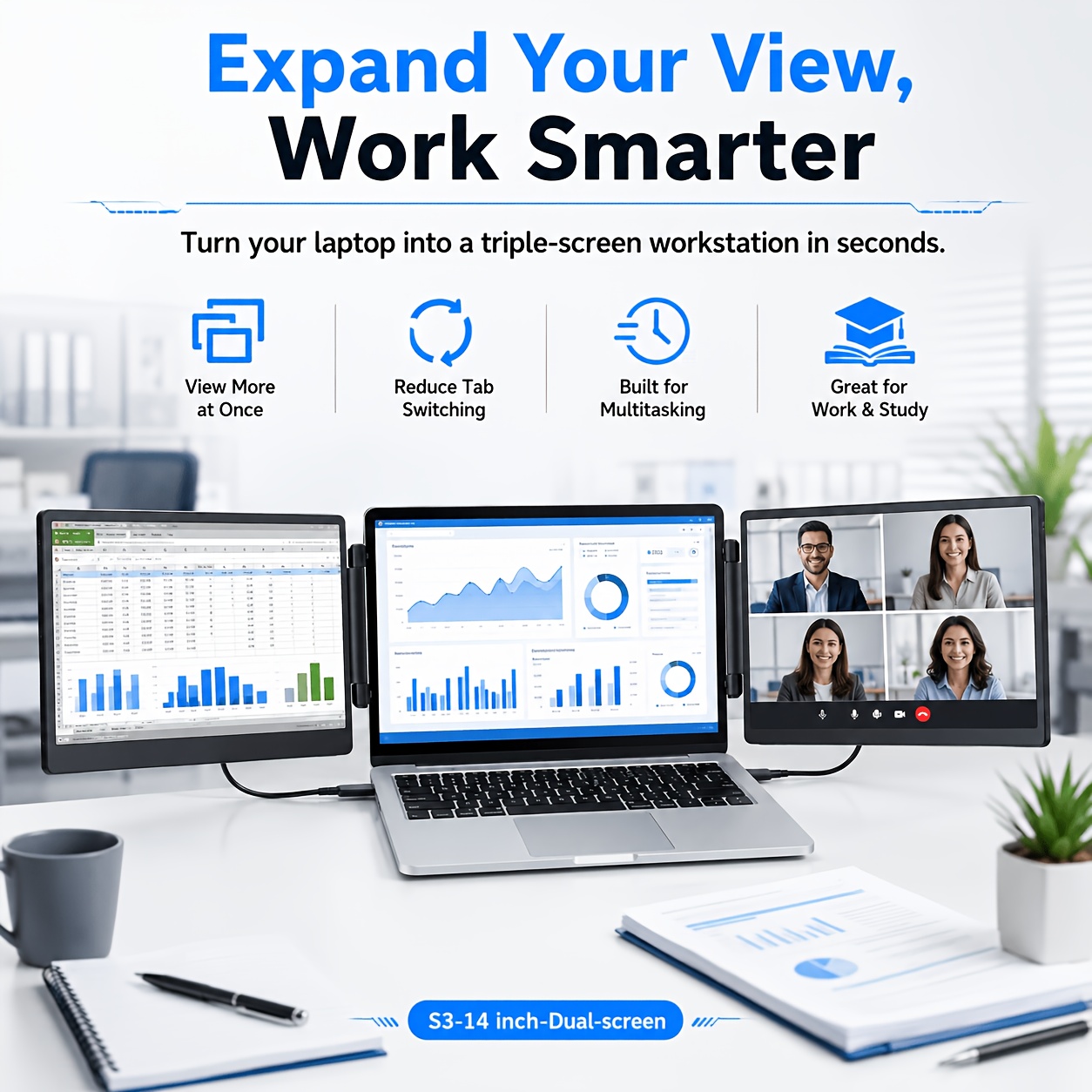
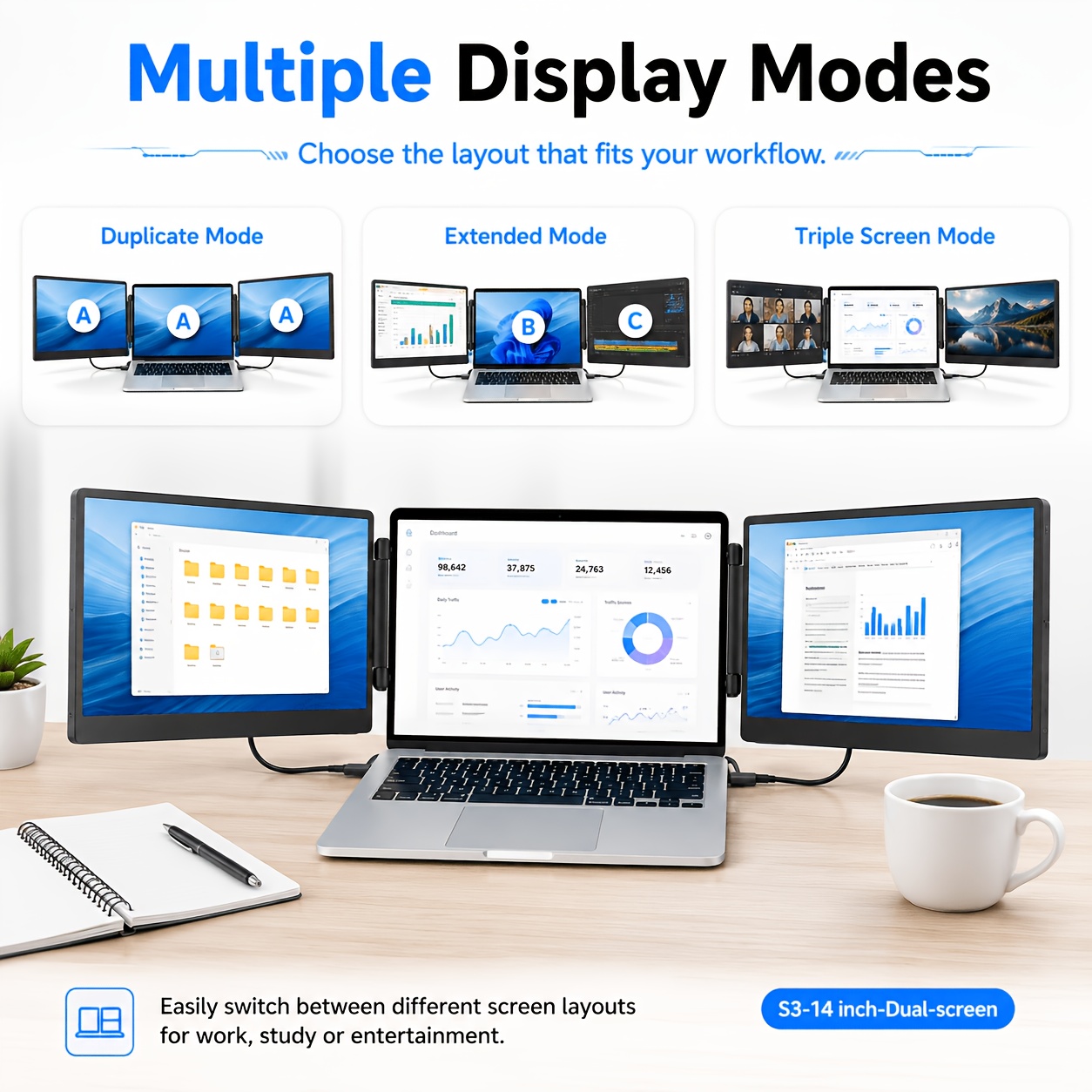
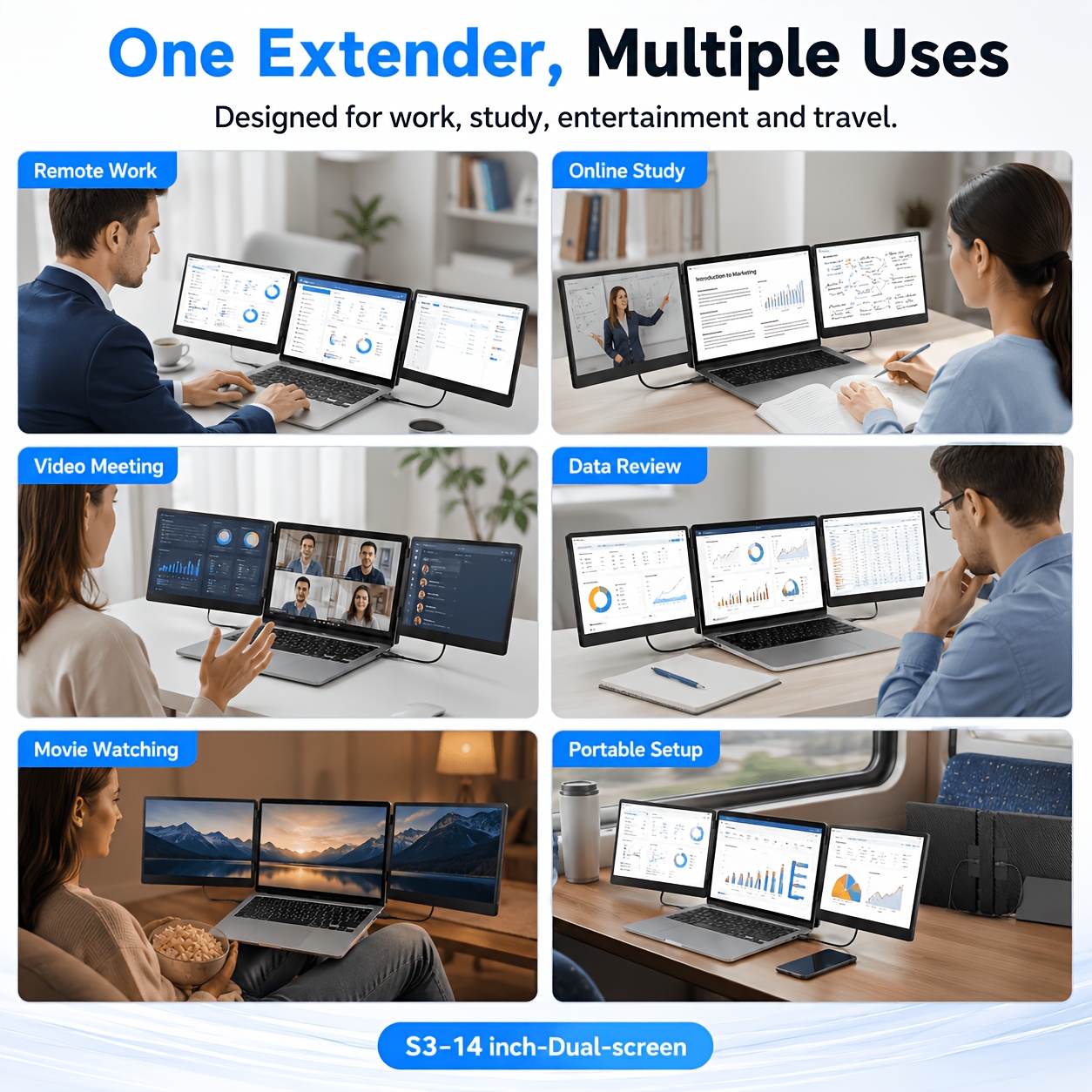
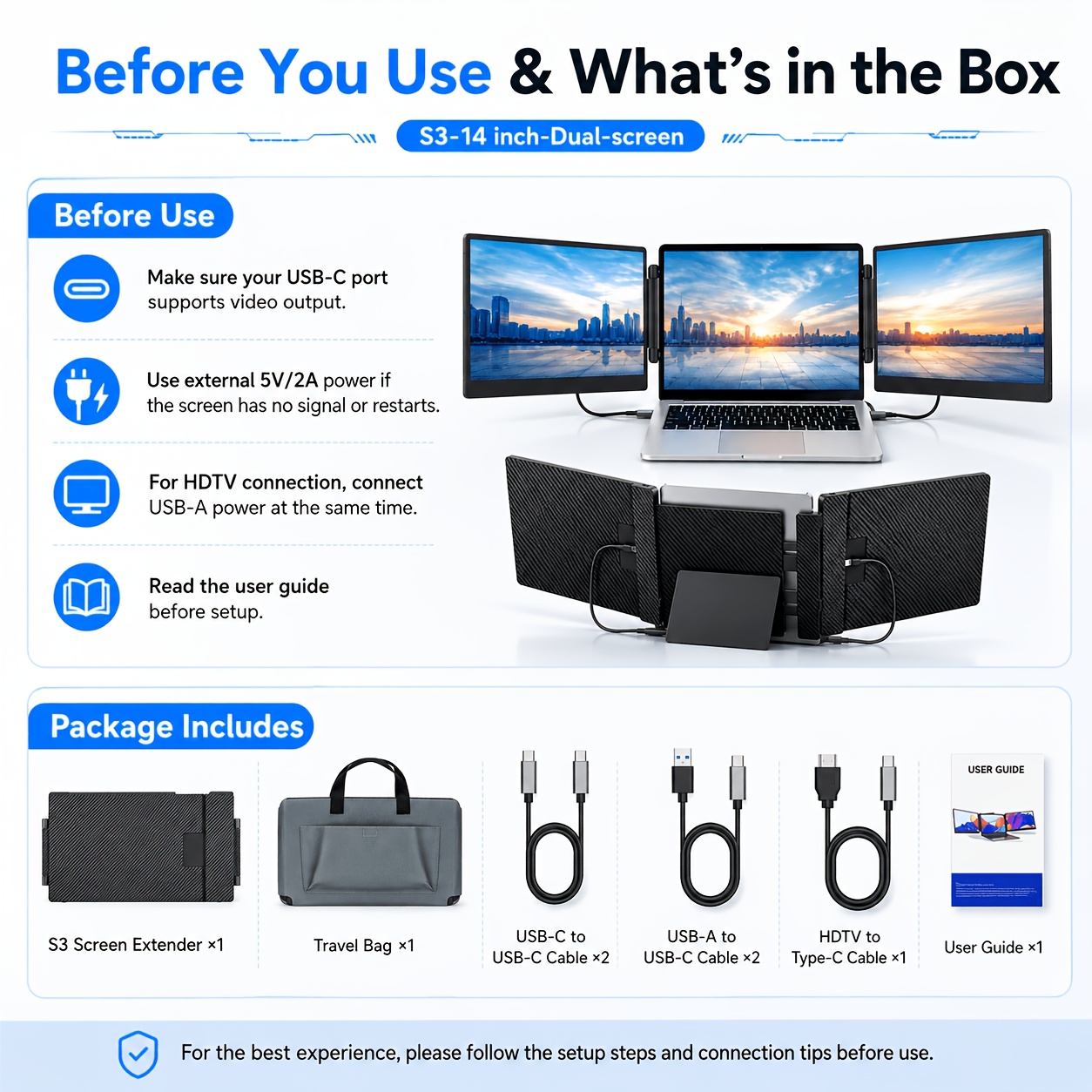
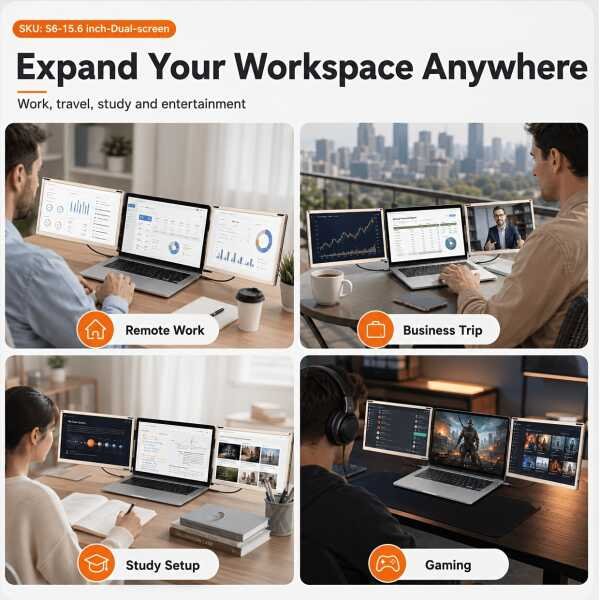
Turn your laptop into a full-fledged, three-Screen Extender workstation with the Top Laptop Screen Extender. Available in 14-inch and 15.6-inch variants, this foldable dual portable monitor is the ultimate tool for multitaskers, remote workers, gamers, and data analysts. Boost your efficiency by up to 200% without being chained to an office desk.
Stunning Visuals, Every Time
-
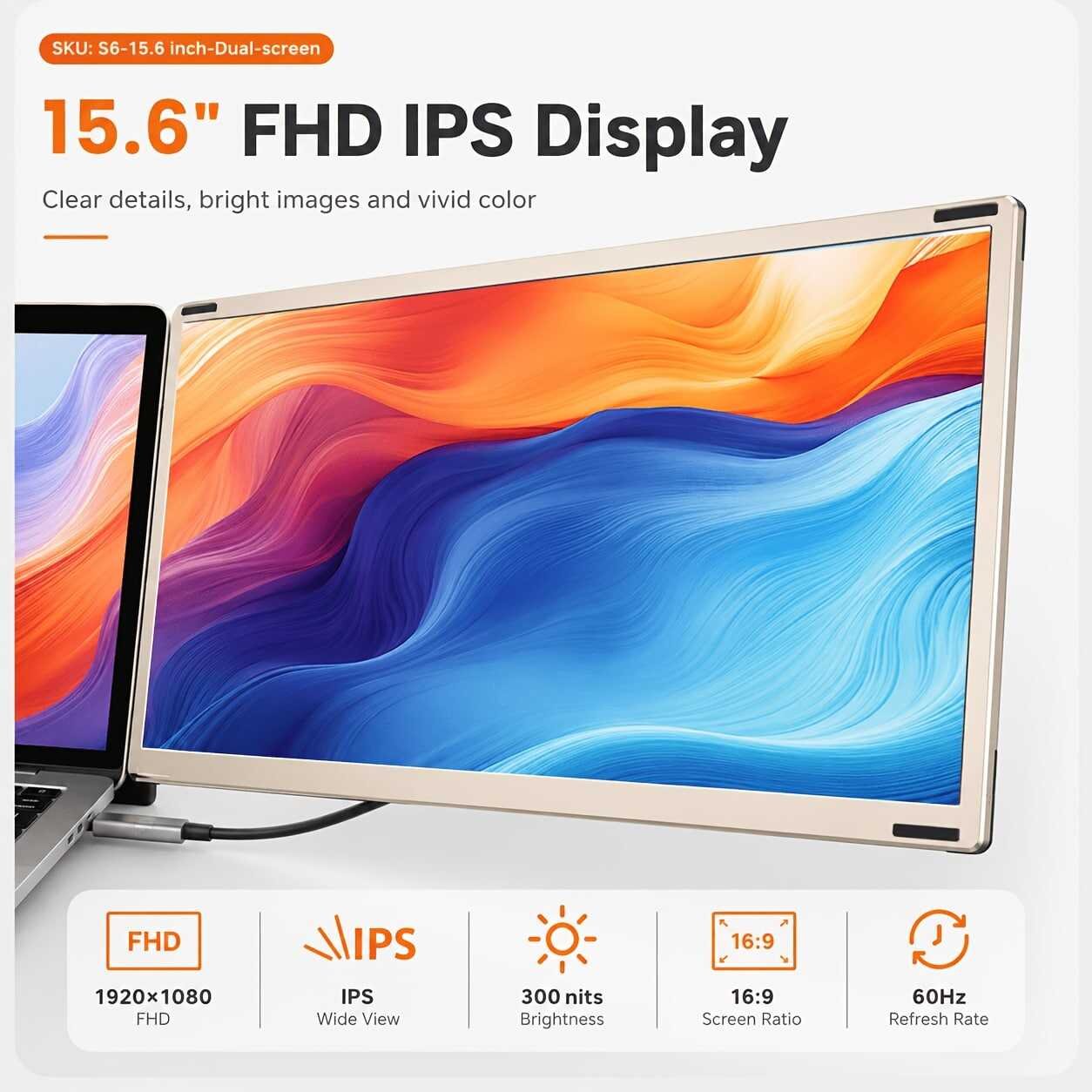
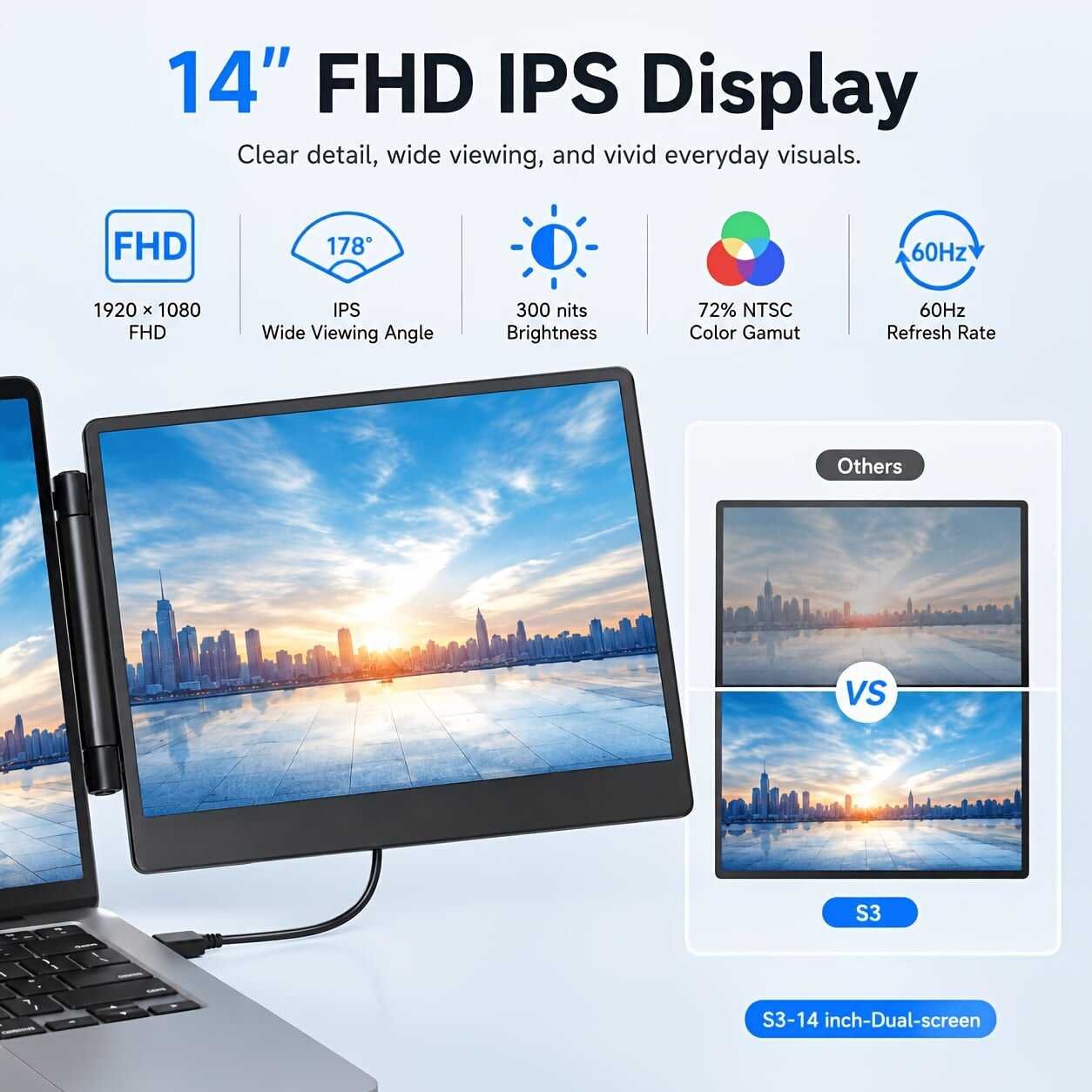
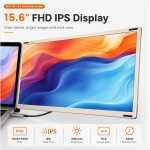
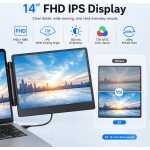
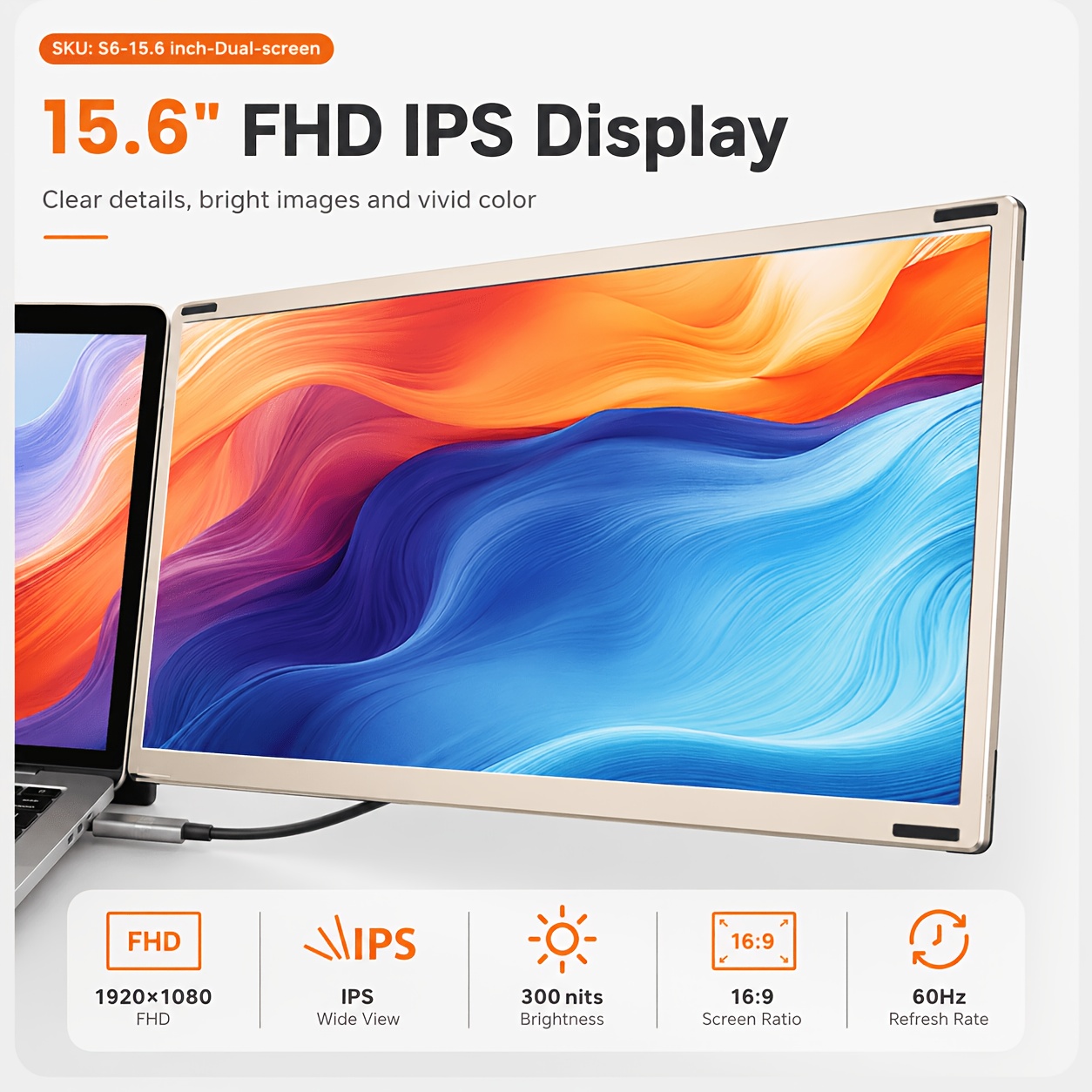
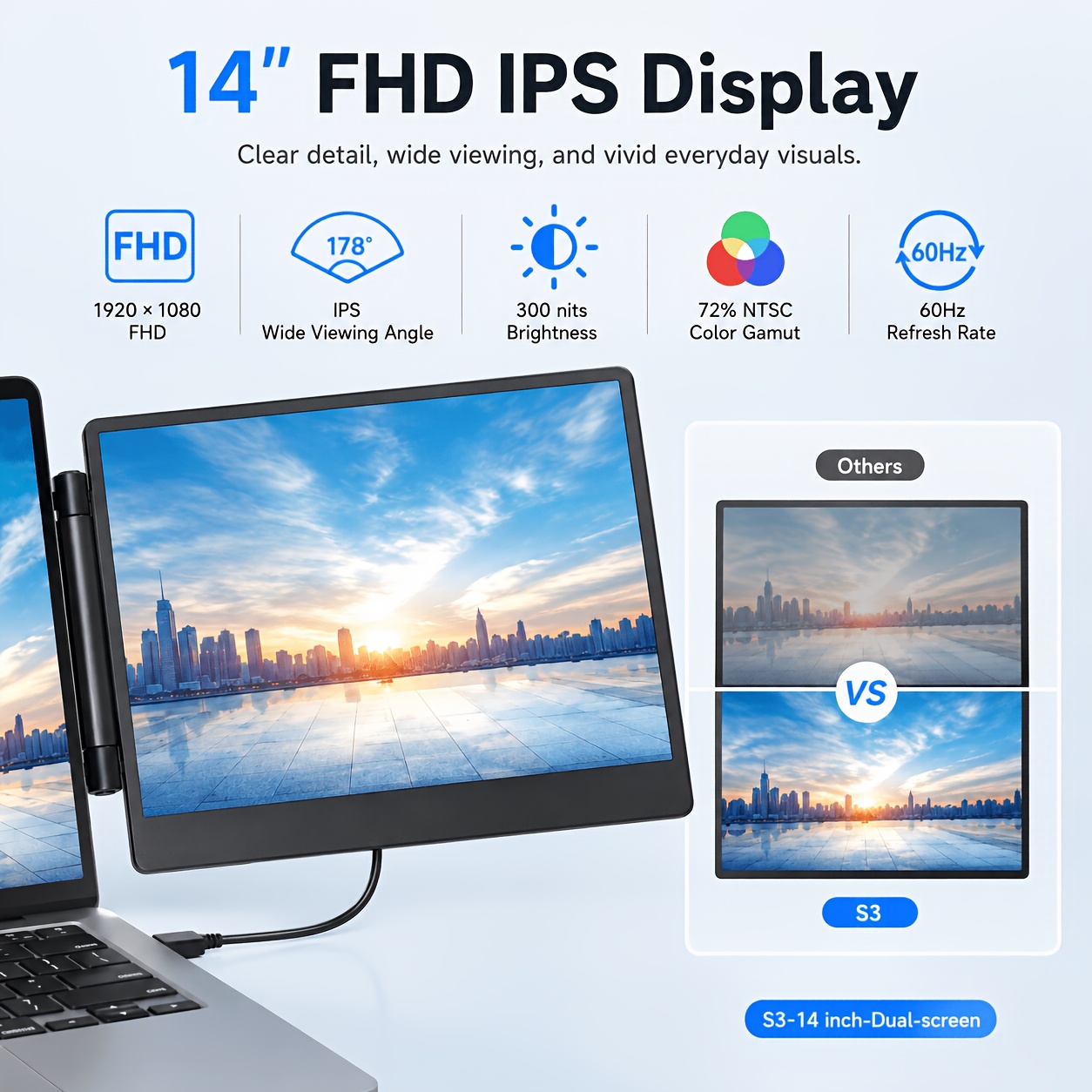
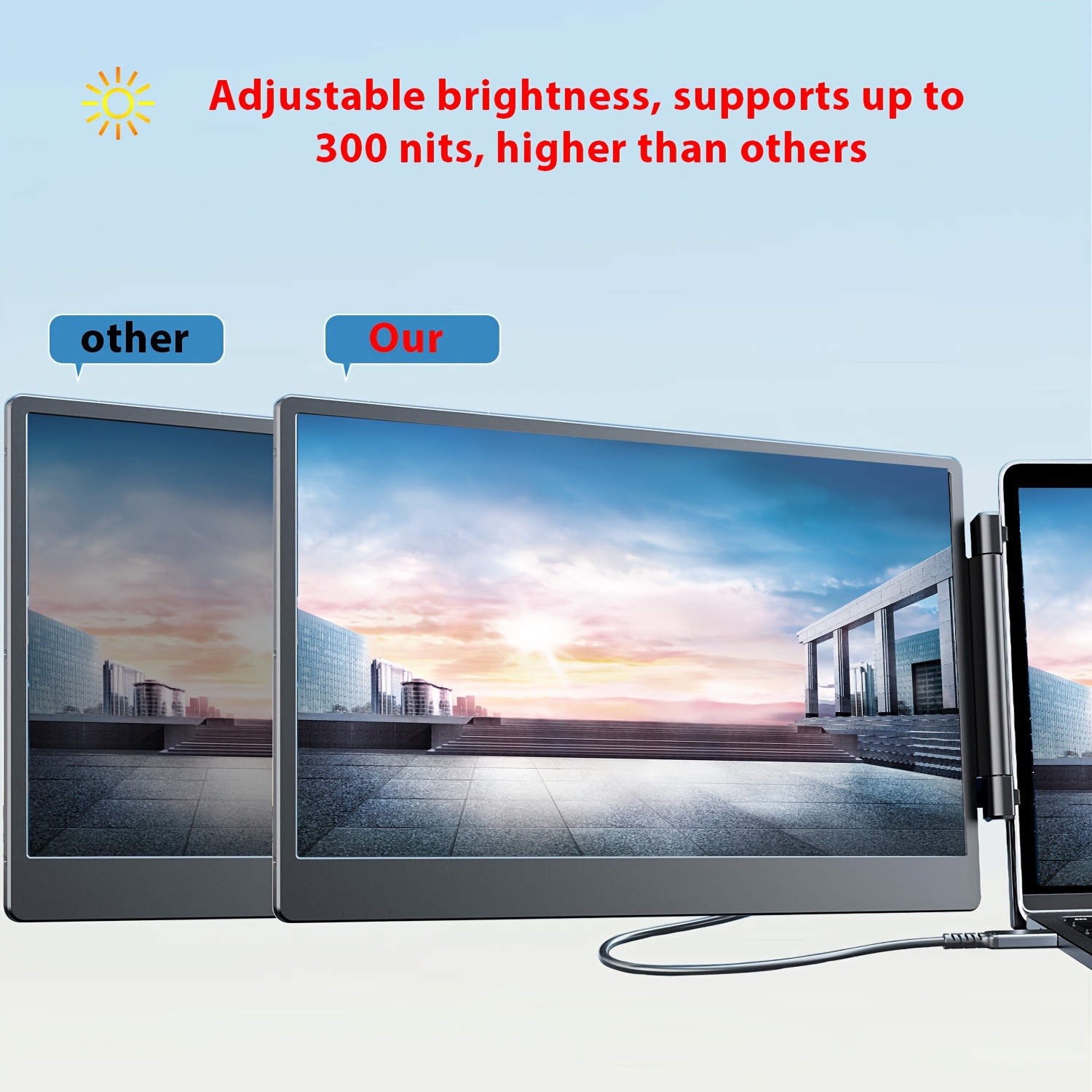
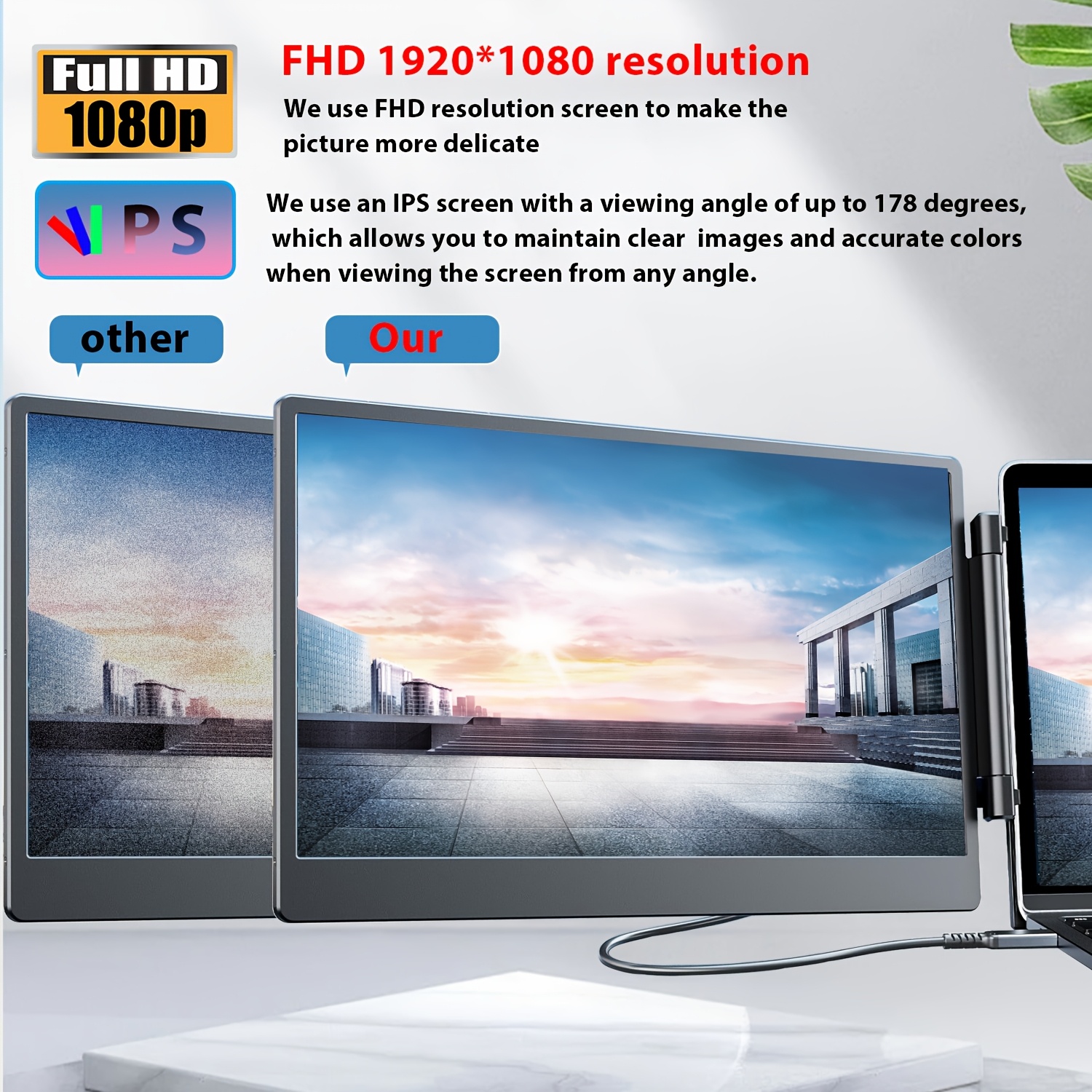
1080P FHD IPS Screen: Experience crisp, vibrant visuals for work or play.
-
178° Wide Viewing Angle: Share your screen easily or adjust your setup without losing color accuracy or contrast.
-
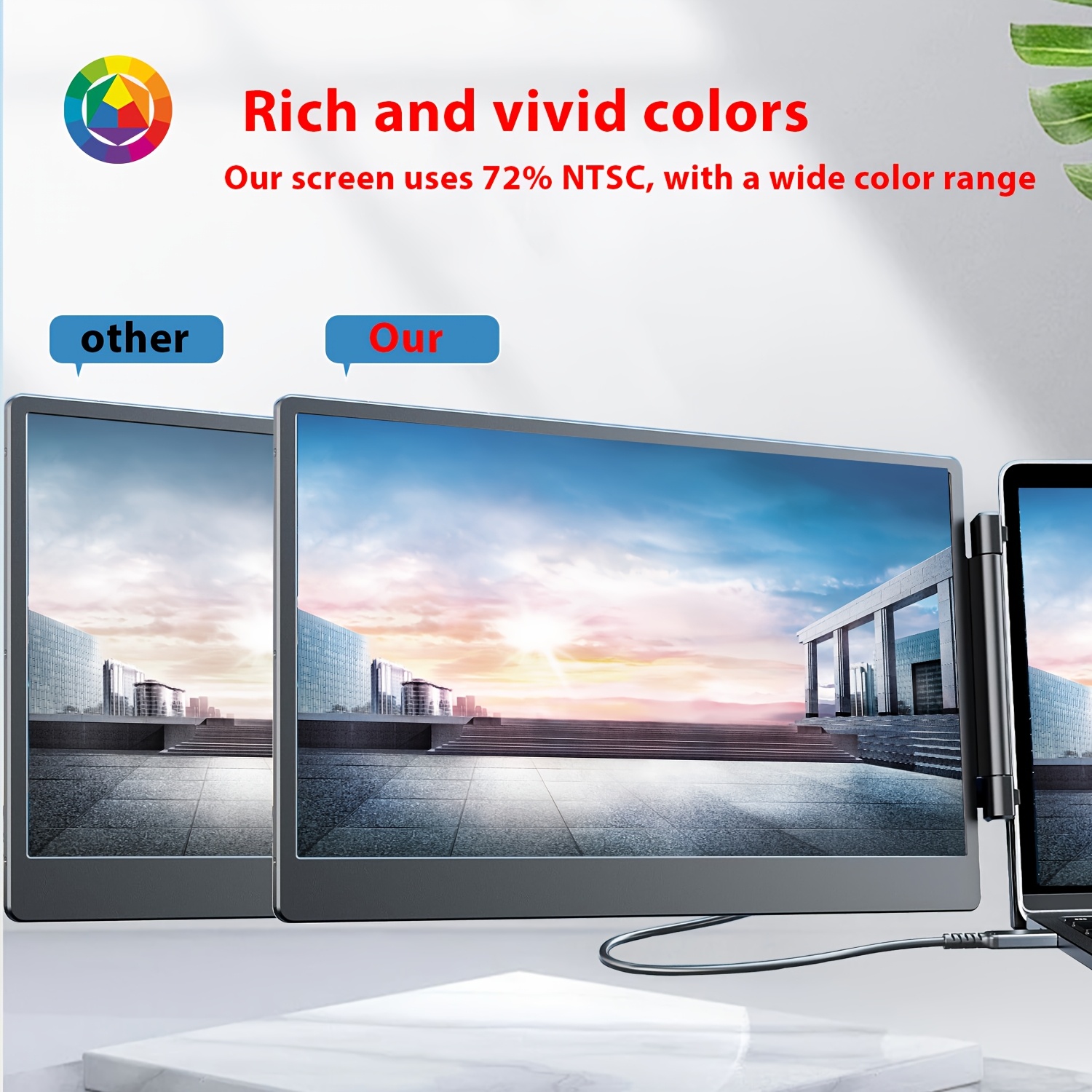
High Color Gamut: Perfect for photo editing, design work, or enjoying streaming media with rich, true-to-life colors.
Seamless Plug & Play Design
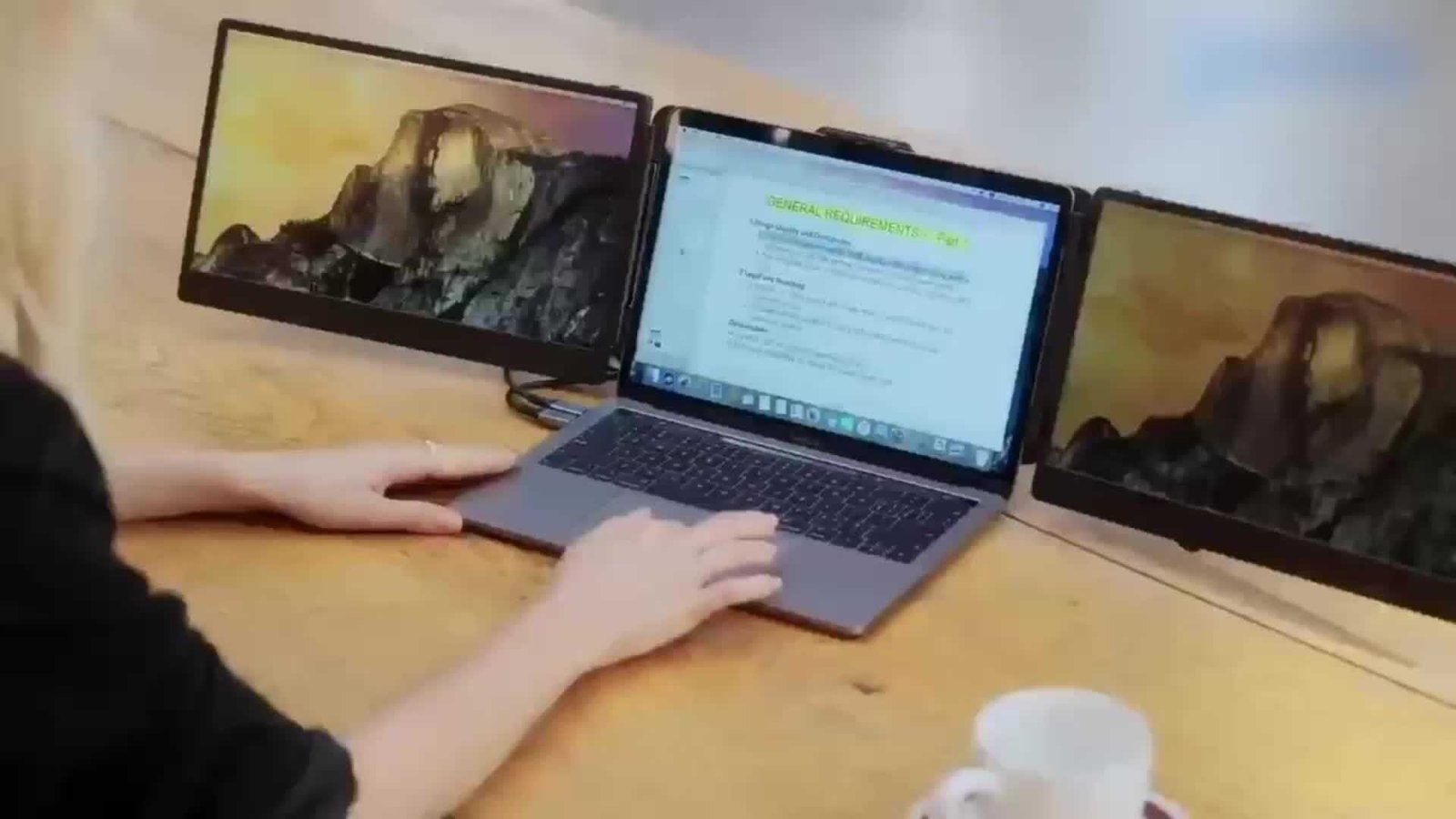
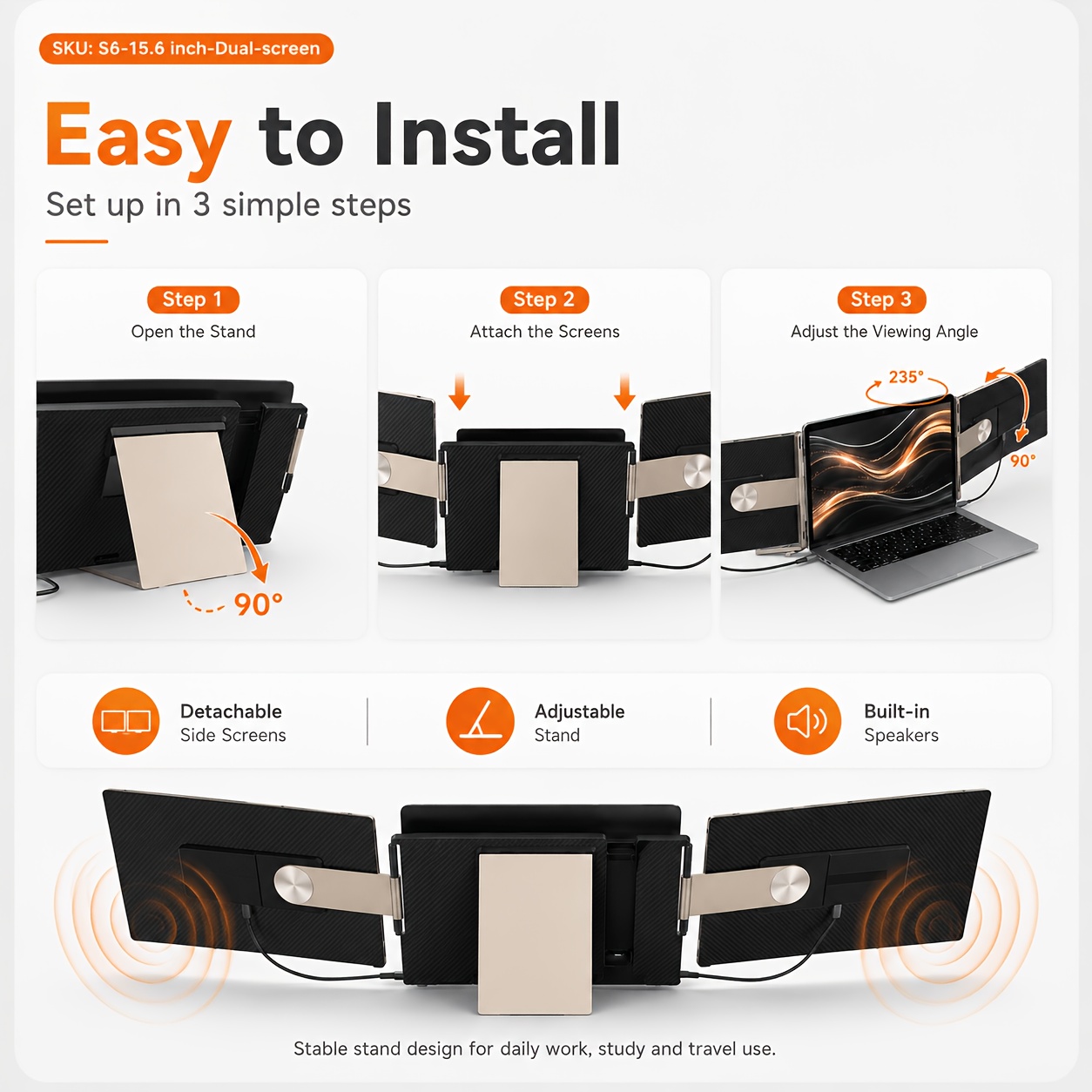
No complicated drivers or lengthy setups required. This widely compatible external monitor expansion hooks onto your laptop and connects instantly, offering a seamless plug-and-play experience through high-speed USB-C and HDTV video outputs.
How to Connect: Port Compatibility Guide
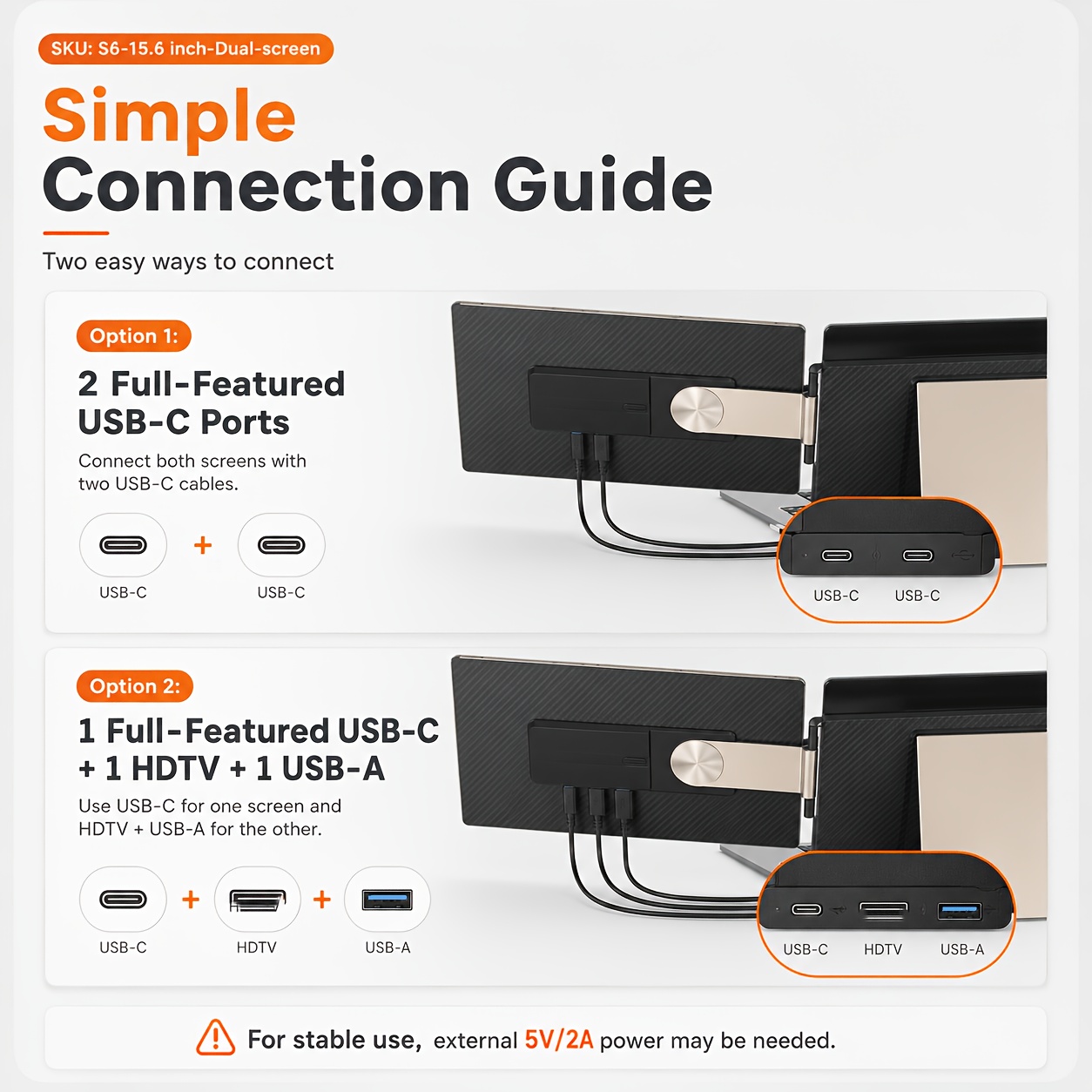
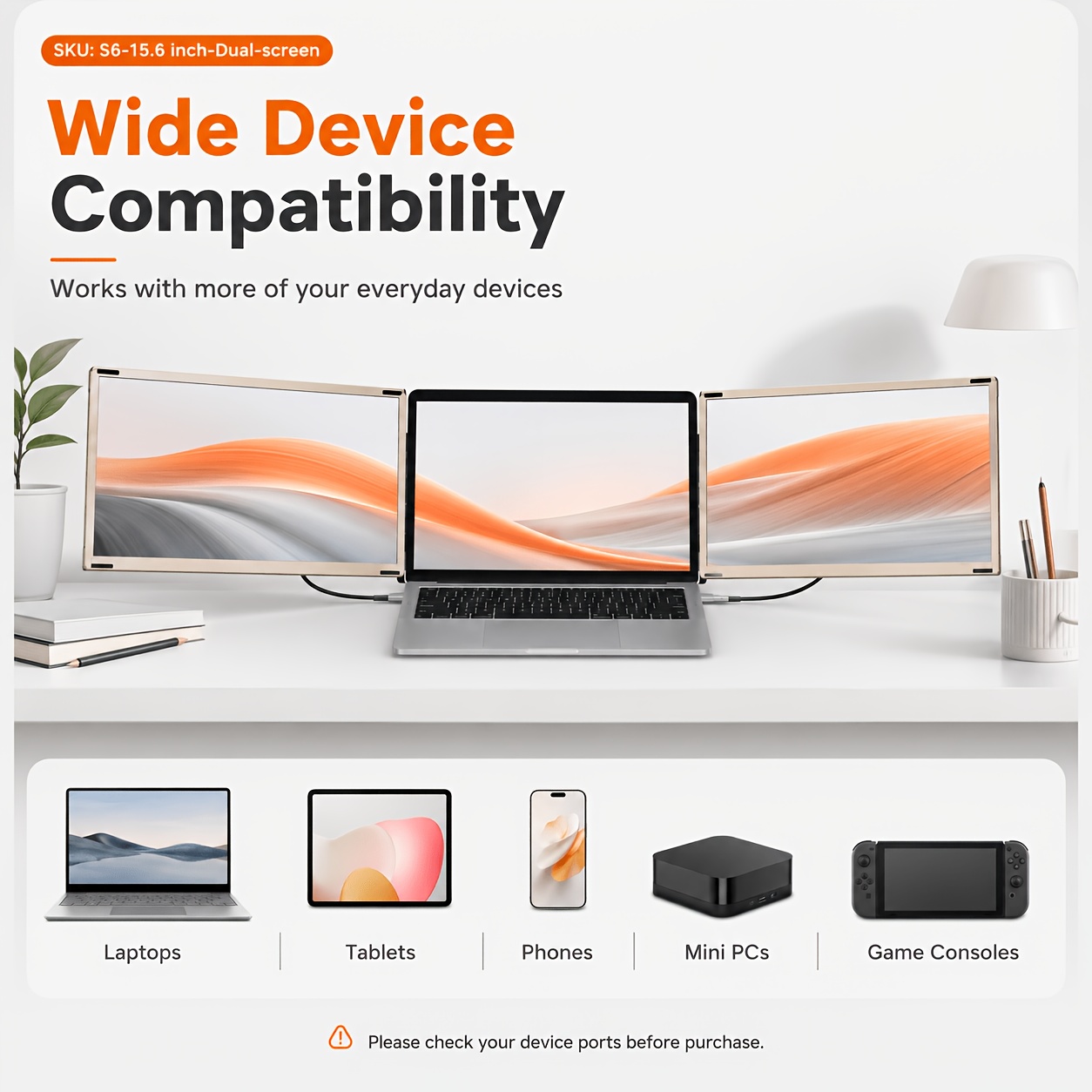
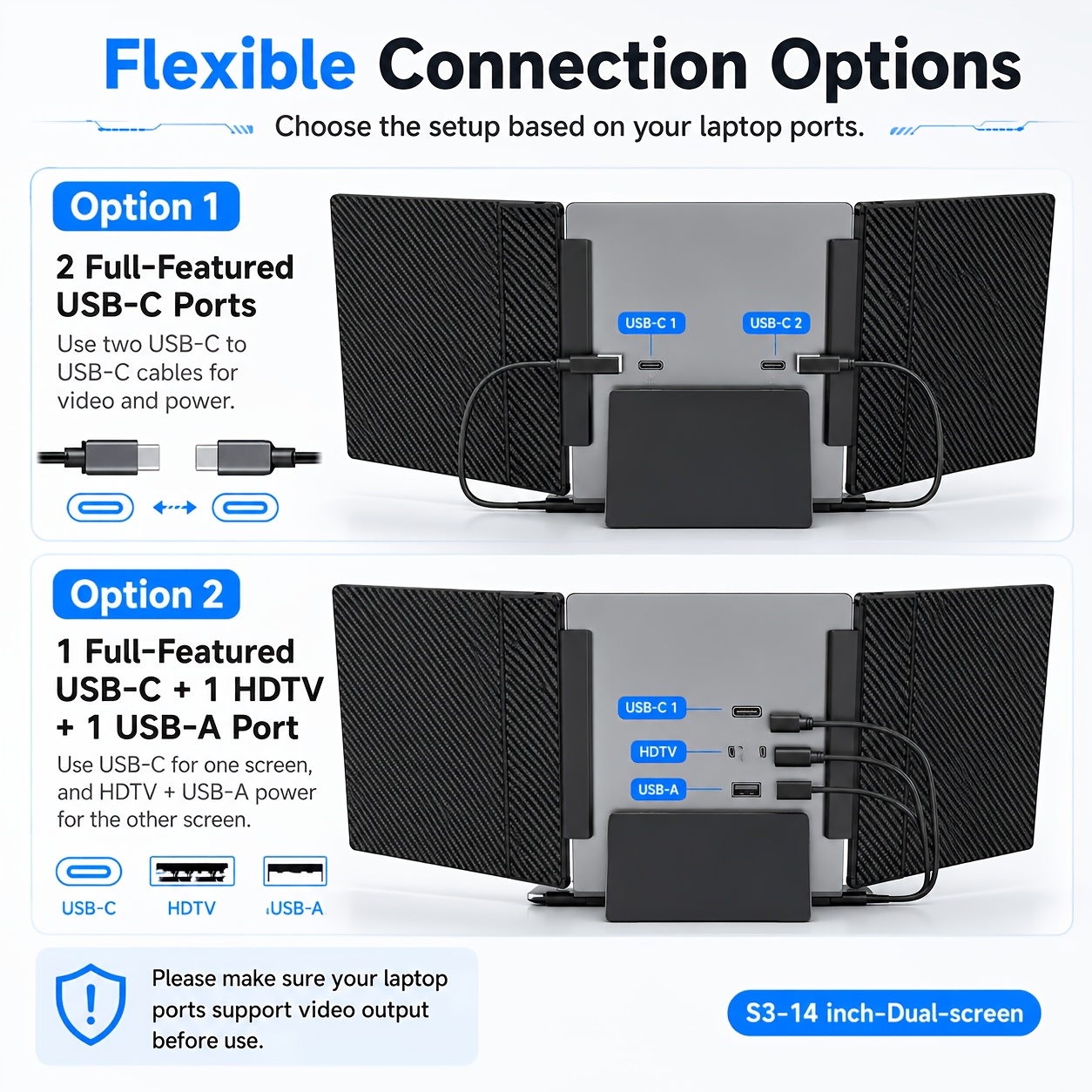
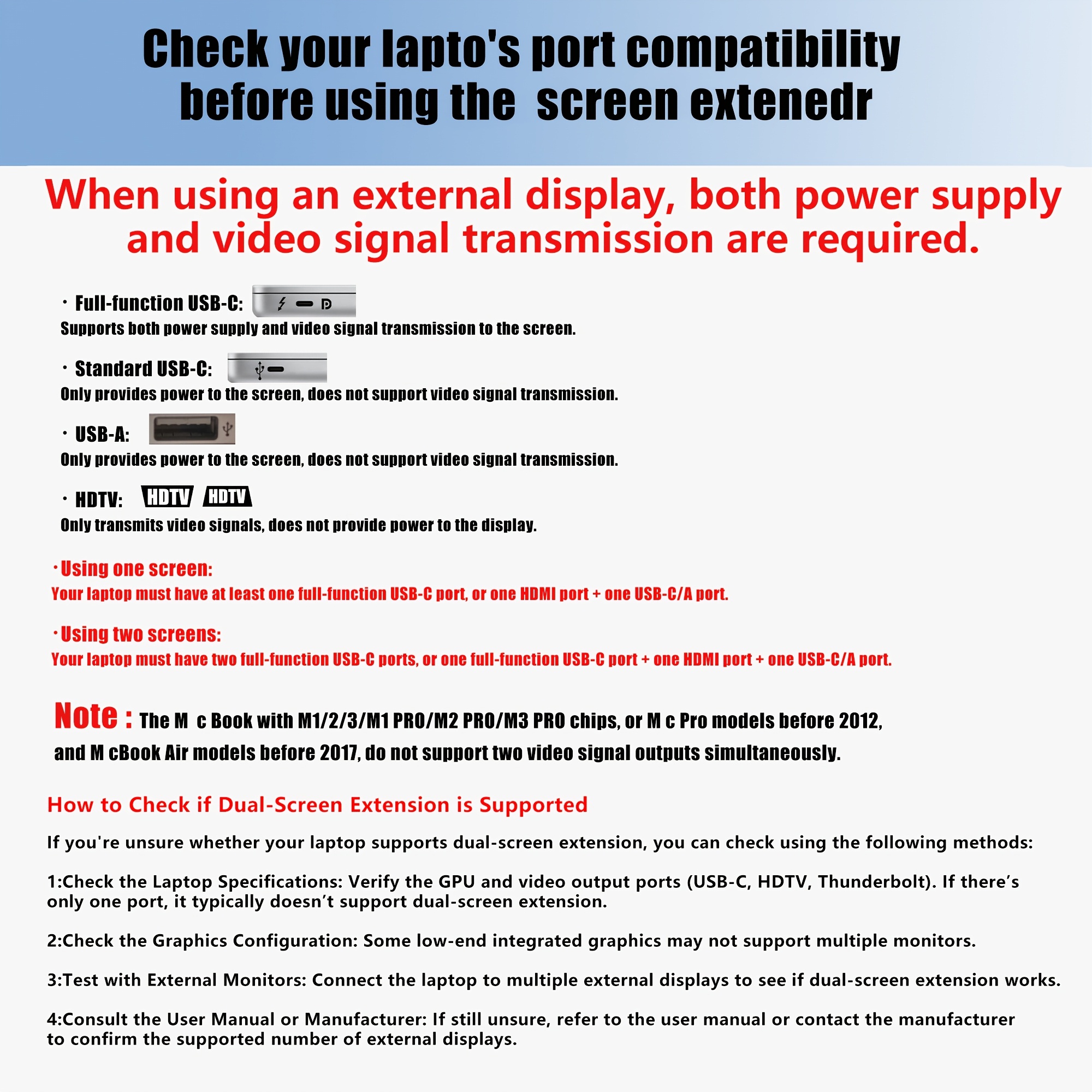
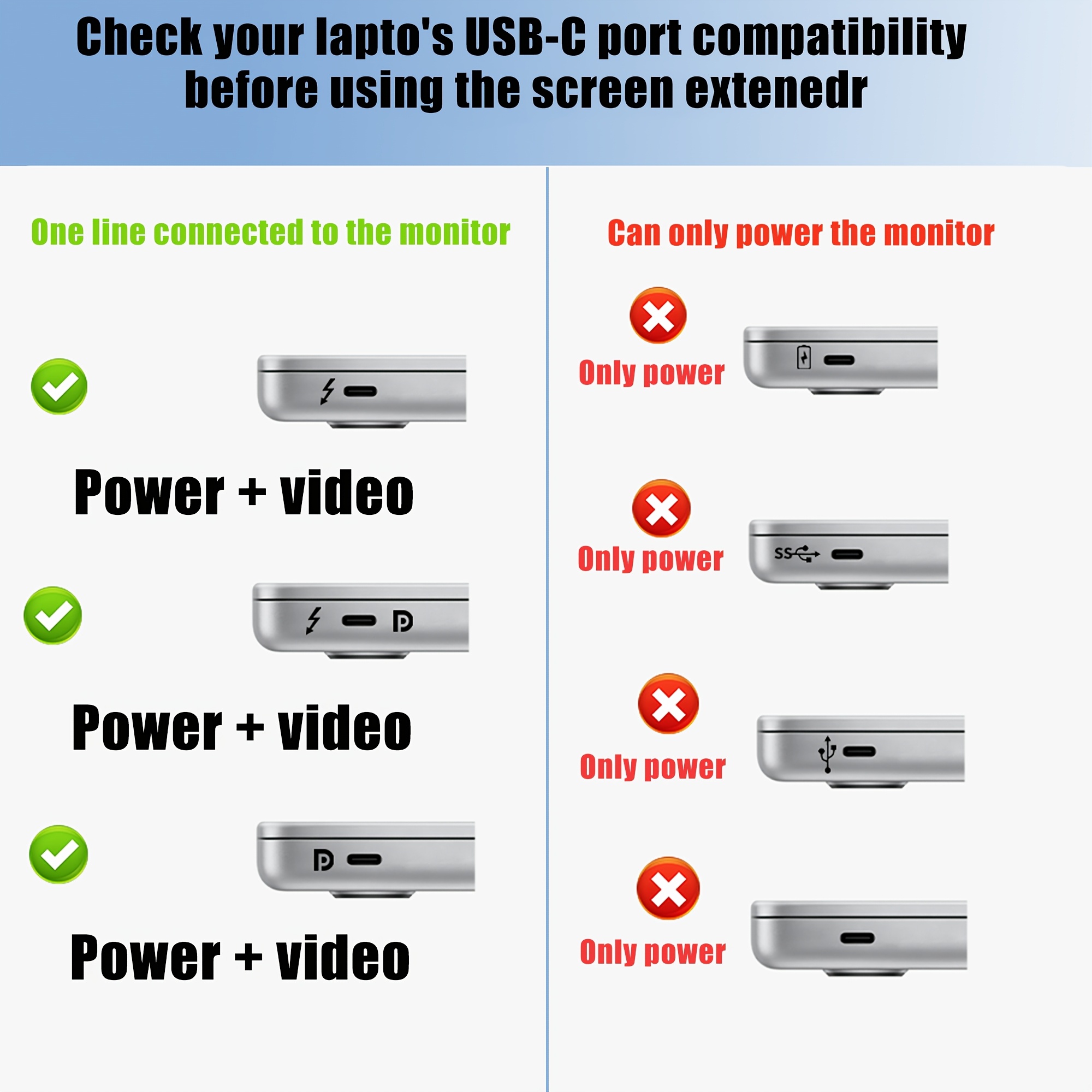
Before Purchasing: Please ensure your laptop has at least one full-featured USB-C port (e.g., Thunderbolt 3/4, USB-C with DisplayPort/DP support) or multiple functional video output ports.
Depending on your laptop’s available ports, choose one of the three easy connection methods below:
| Connection Method | What to Connect | Cable Requirements |
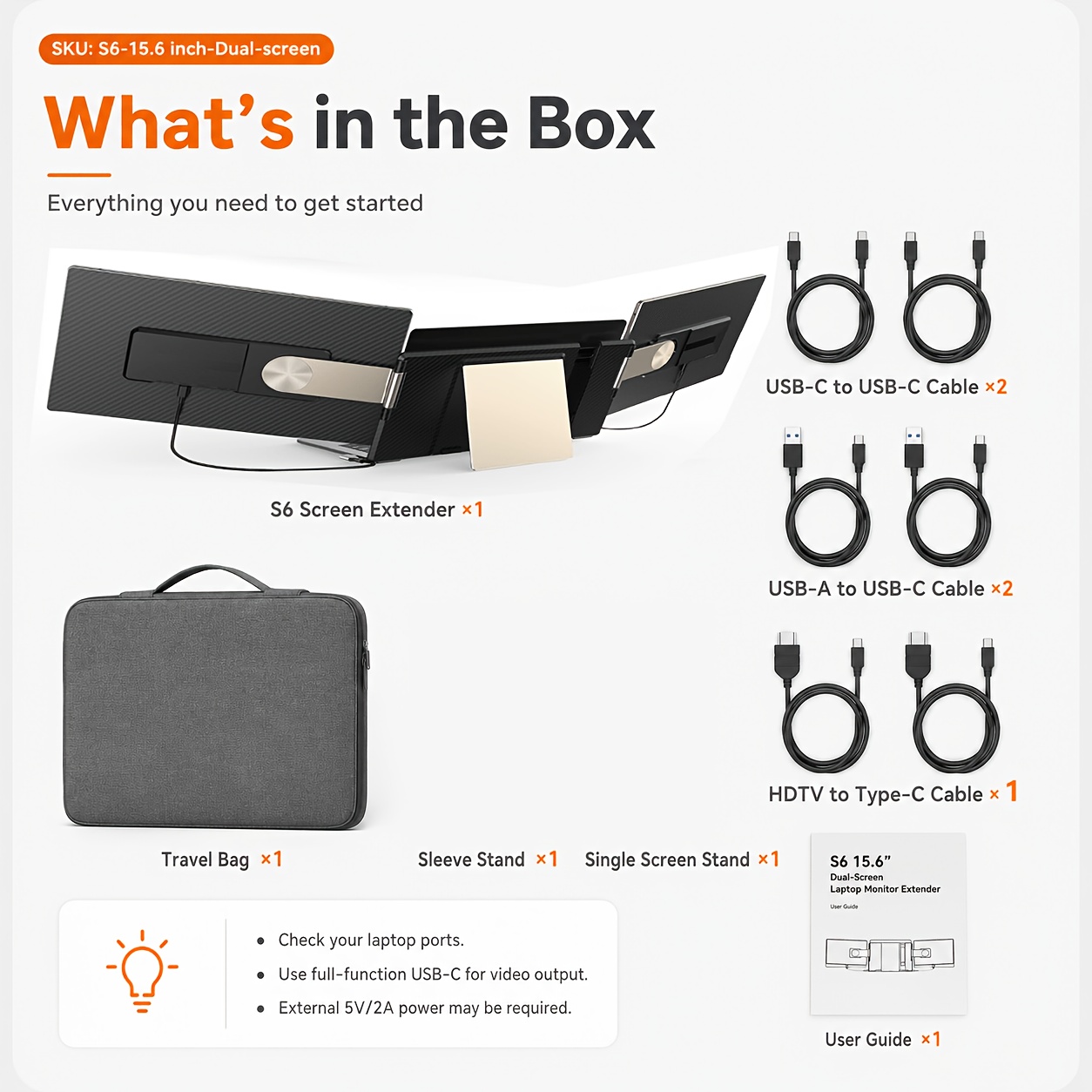
| Method 1: Two Full-Featured USB-C Ports | Connect each screen directly to your laptop’s USB-C ports. | 2 × USB-C to USB-C cables (Ensure they are plugged into the TYPE-C ports on the back of the monitor). |
| Method 2: One Full-Featured USB-C & One HDTV Port |
Screen 1: Connect via the full-featured USB-C port. Screen 2: Connect the HDTV port for video output, and a USB-A port for power. |
1 × USB-C to USB-C cable 1 × HDTV to HDTV cable + 1 × USB-A to USB-C cable. |
| Method 3: Two HDTV Ports & Two USB-A Ports | Connect both screens using their respective HDTV ports for video display, and hook up the USB-A ports to supply power. |
2 × HDTV to HDTV cables 2 × USB-A to USB-C cables. |
-
Important Port Note: The Type-C1 and Type-C2 ports on the monitor handle both power and signal transmission. The HDTV port only transmits video signals and cannot provide power; it must always be paired with a power cable (USB-A to USB-C) if not using a full-featured USB-C setup. Screen Extender
Why Choose This Screen Extender?
-
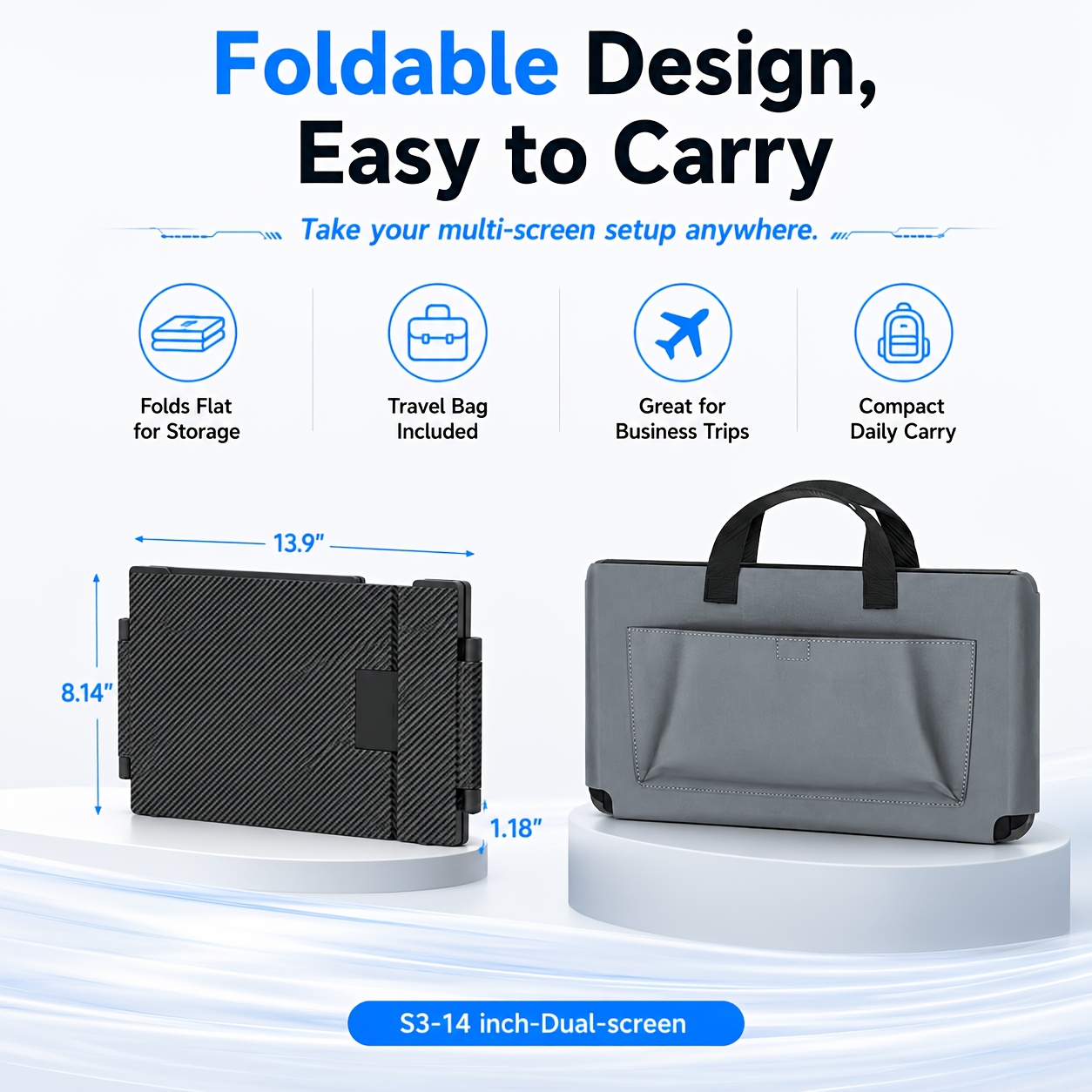
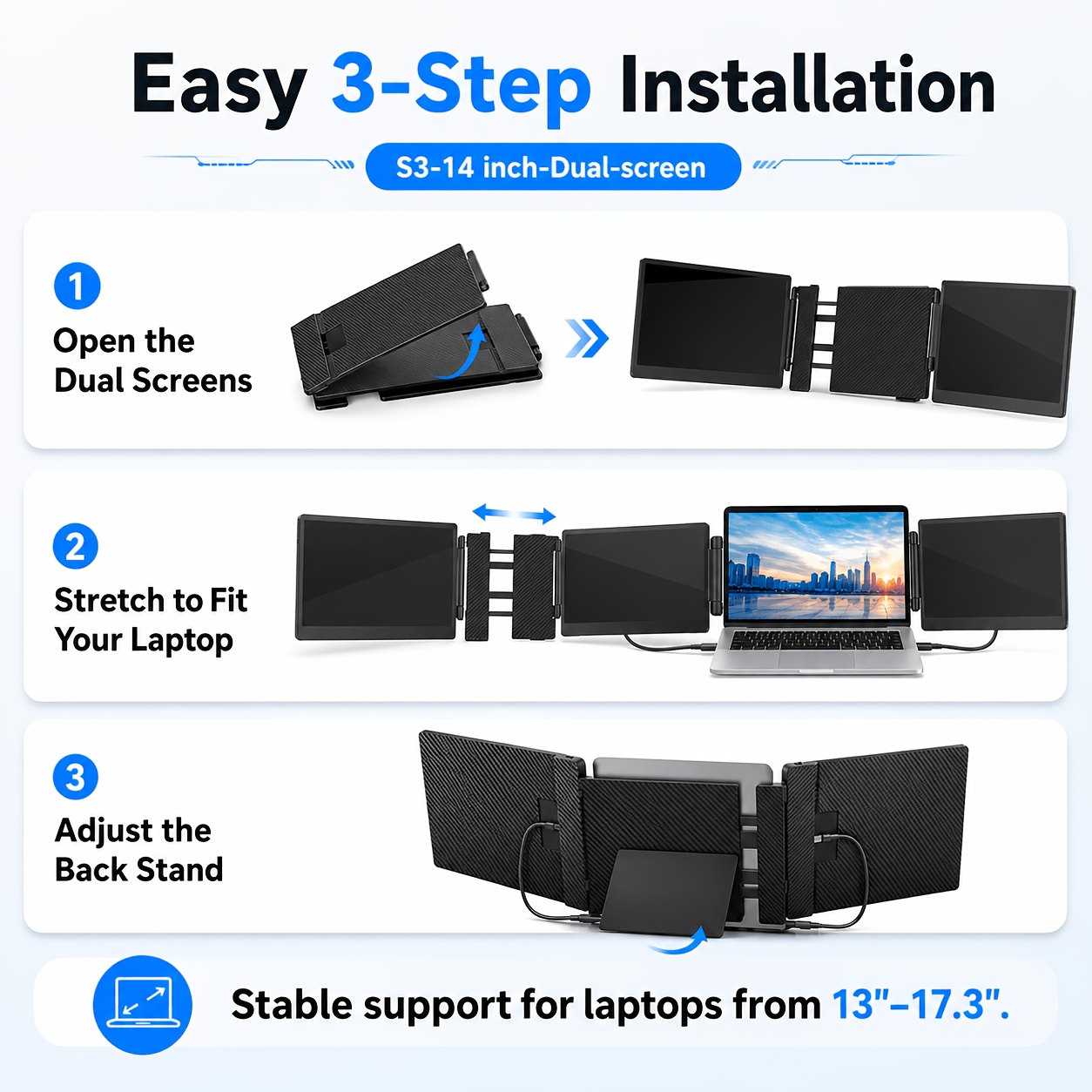
Foldable & Portable: Easily collapses to slip right into your laptop bag for travel or commuting.
-
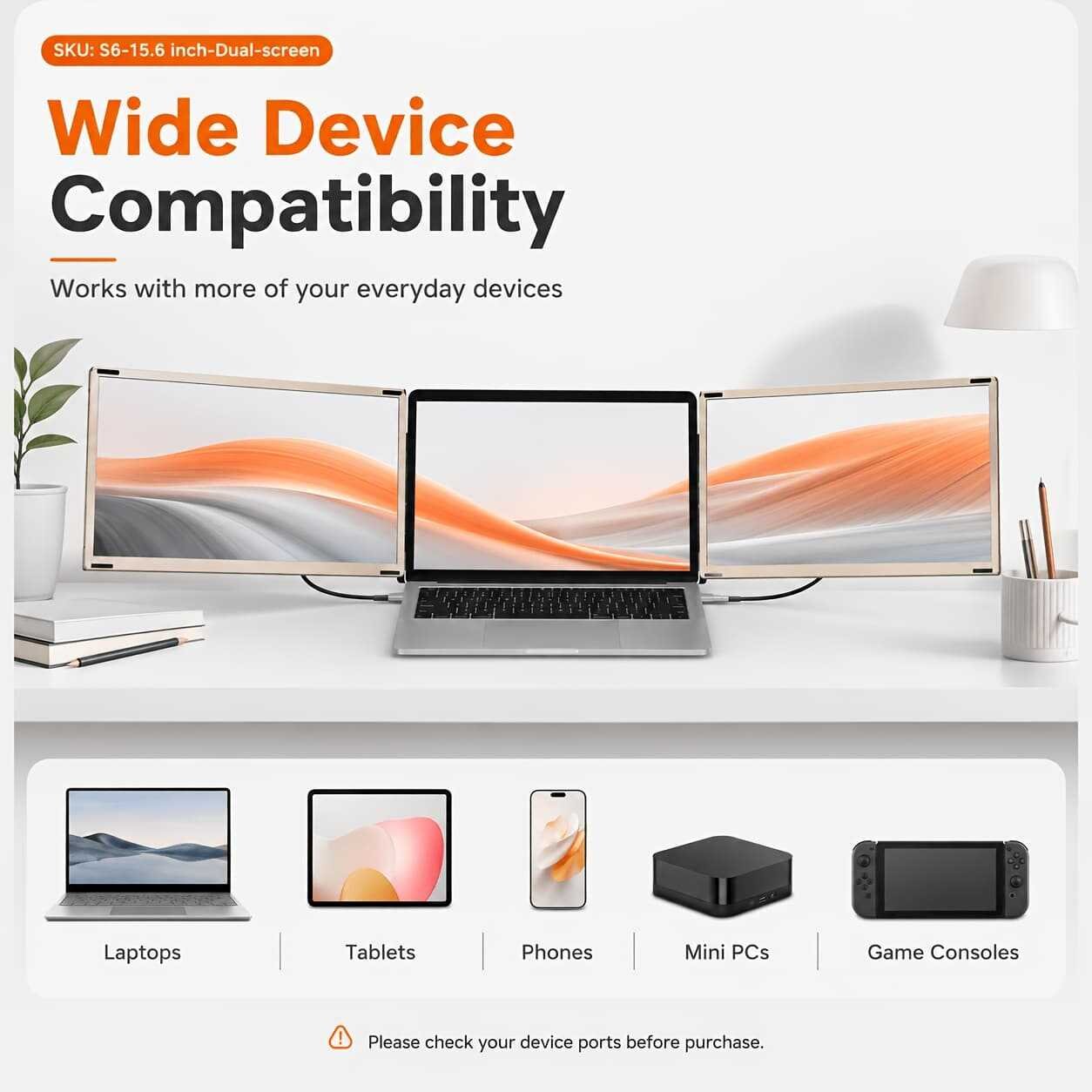
Widely Compatible: Seamlessly pairs with Windows, macOS, and major operating systems.
-
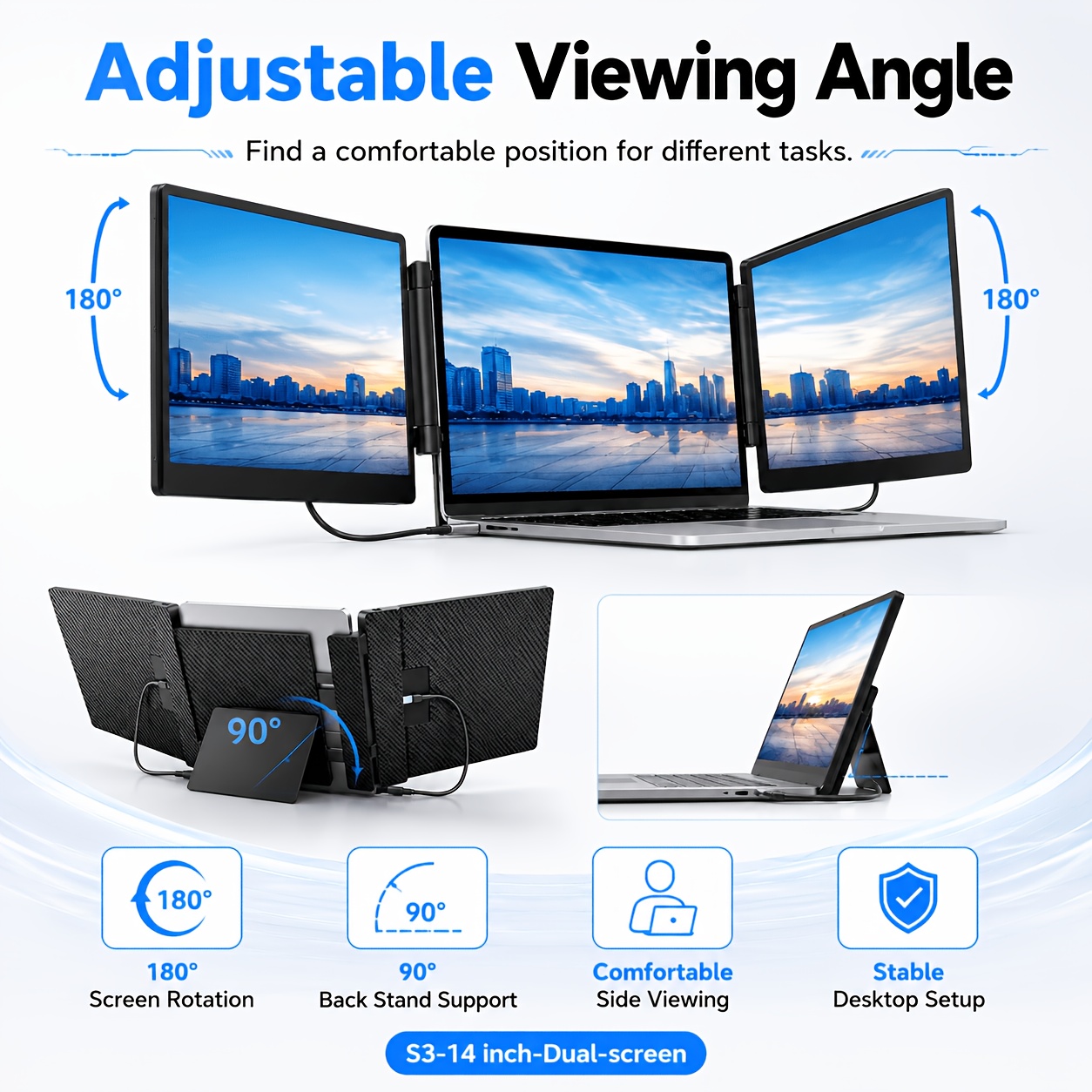
Ergonomic Workstation: Reduce neck strain by spreading your tabs across three displays instead of constantly switching windows.
You may also like






Reviews
There are no reviews yet.